

















































































 Home
Home
Horus Visual & Laser
GNSS Receiver
GNSS Receiver
learn more








 2025-12-01
 Chloe
Chloe


In our previous post, "Tech Chat | Mastering Laser Surveying with Orion ONE", we introduced how Orion ONE performs laser surveying using direct eye-based aiming.
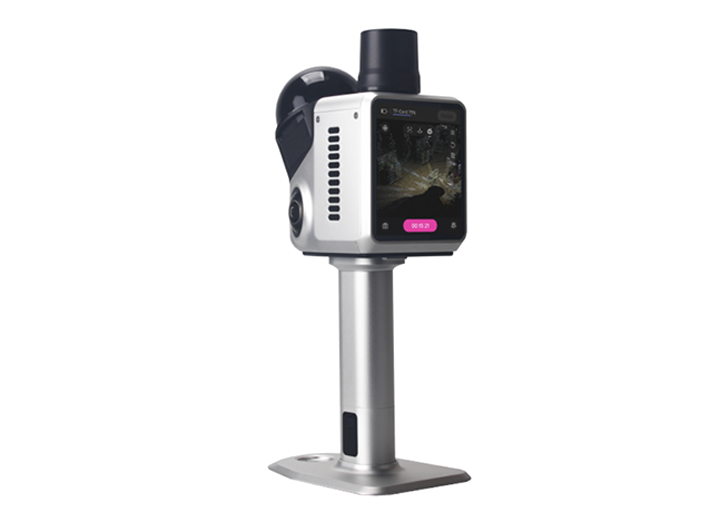
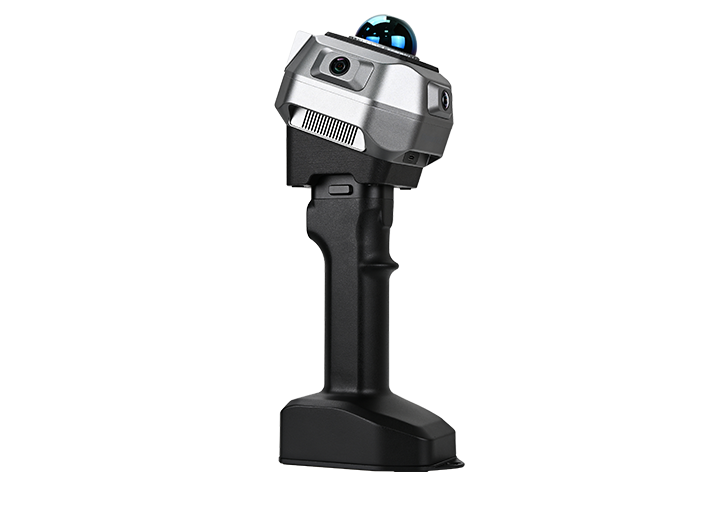
Now, the Horus takes this capability a step further with its camera-assisted laser targeting, designed to overcome the limitations of naked-eye targeting and enhance long-range precision. In this blog, we will introduce how this feature works and how to use it effectively in the field.
To ensure accurate laser measurement, confirm the following before starting:
The Horus must achieve a Fixed solution to ensure absolute accuracy.
The IMU calculates the device's orientation, which is crucial for calculating the laser offset.
If you want to use camera-assisted aiming, your controller's Wi-Fi must be turned on to receive live video from the Horus.
Once these conditions are met, you're ready to begin laser surveying.
Laser surveying is embedded in the standard workflow. Here's the complete process:
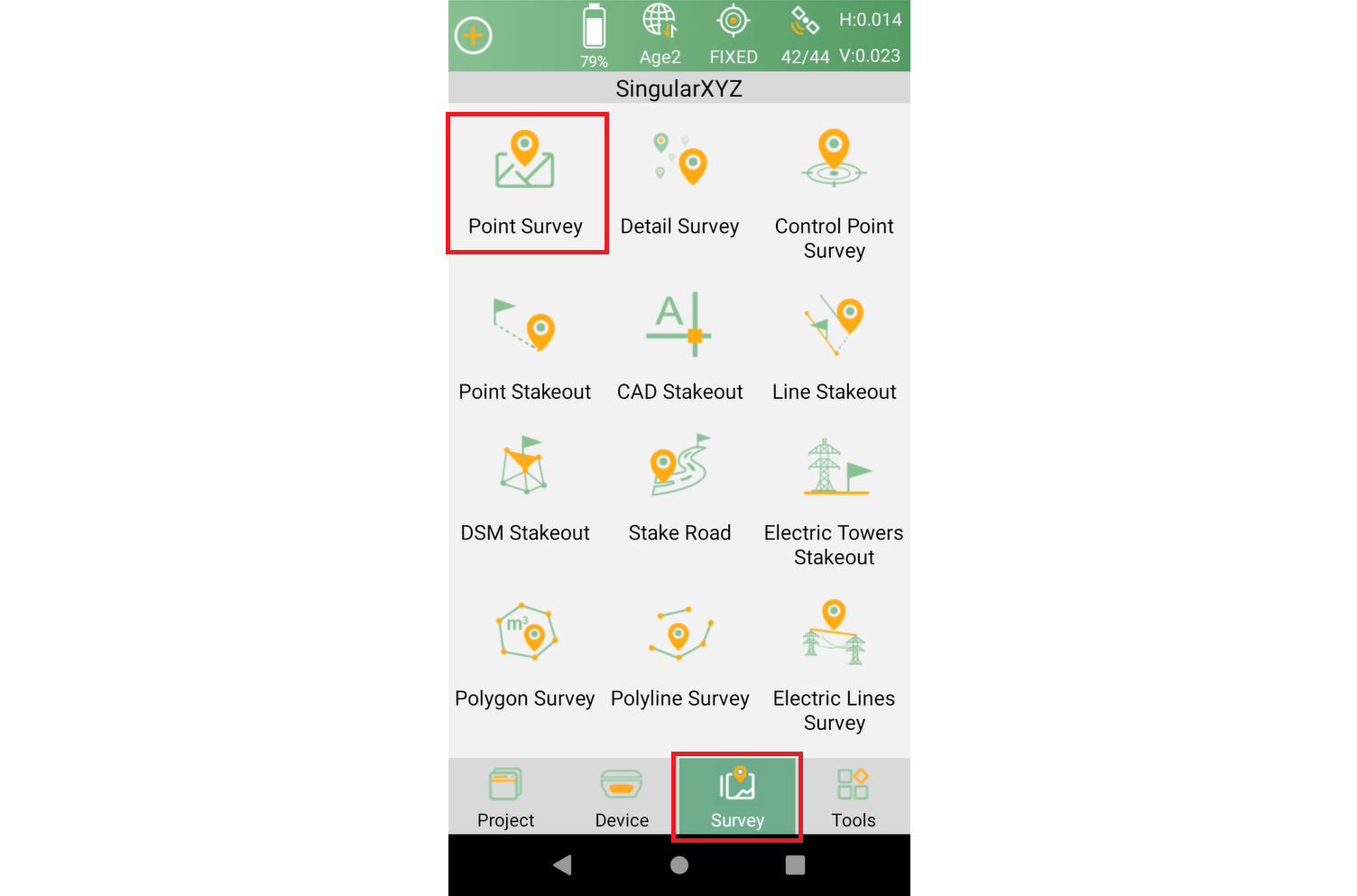
Go to Survey → Point Survey in SingularPad.
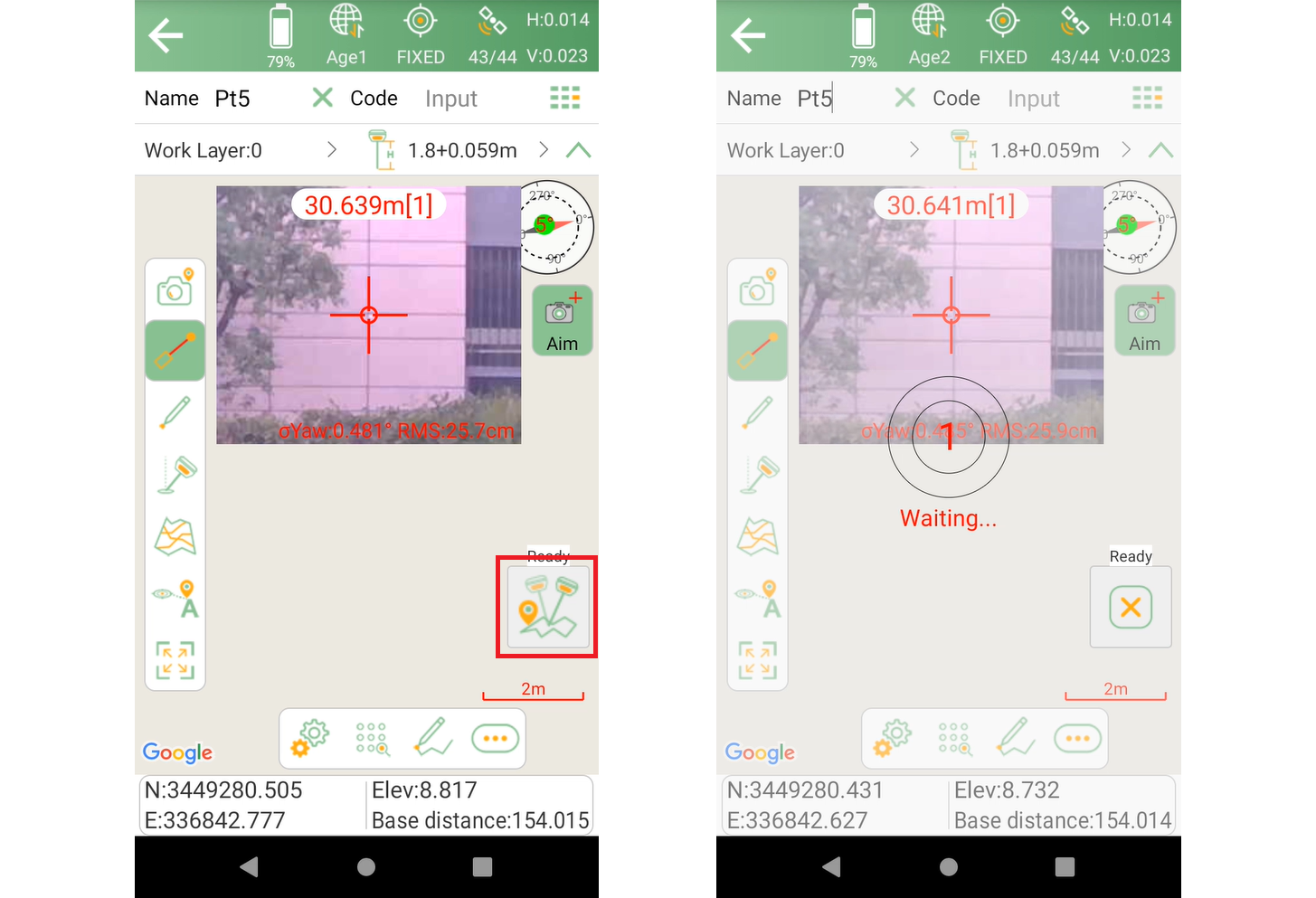
Tap Aim on the right side of the interface, the laser surveying function and the camera live view will be activated simultaneously.
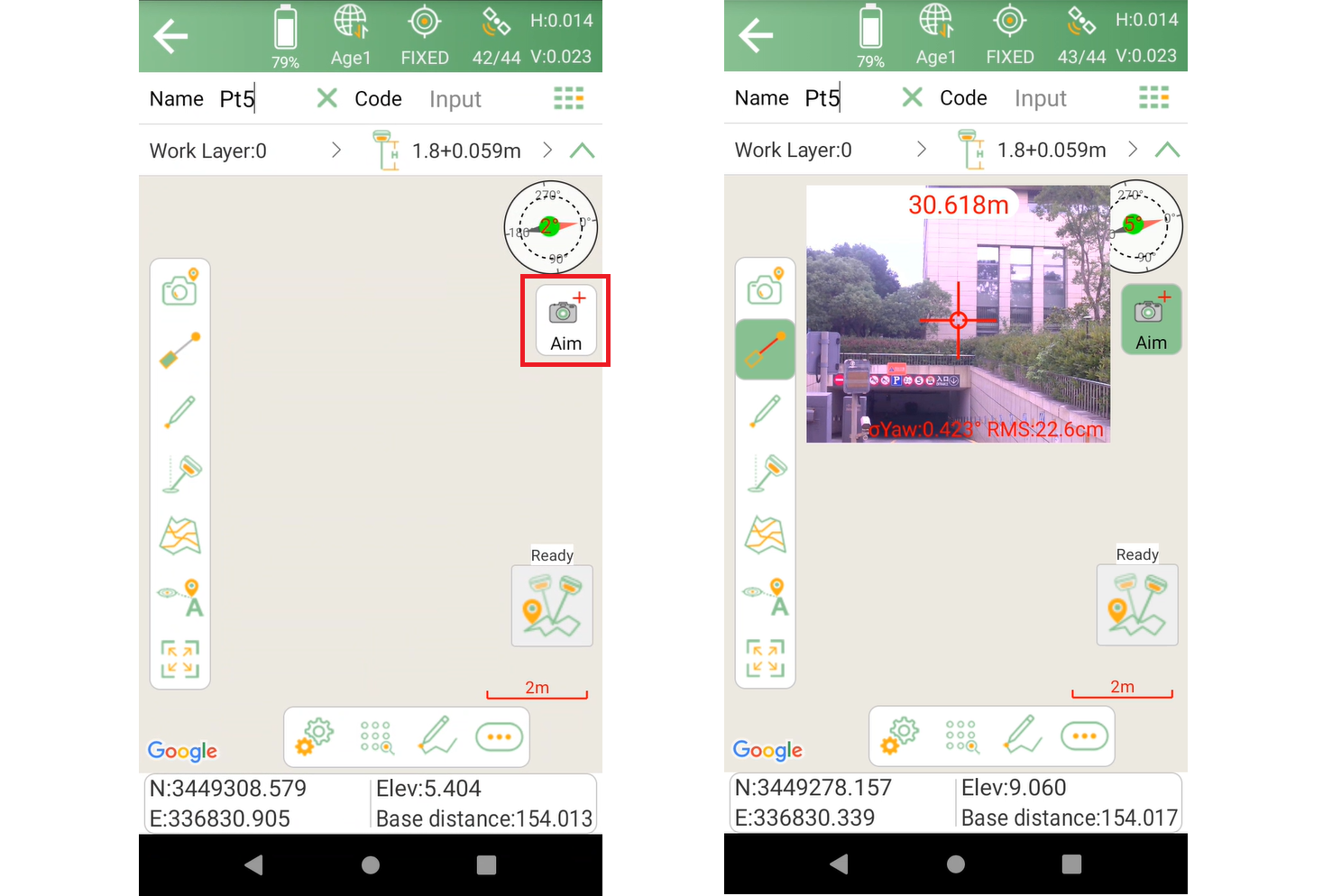
The live video lets you clearly see the target, you can zoom in and tilt the Horus to accurately align the laser at the target point.
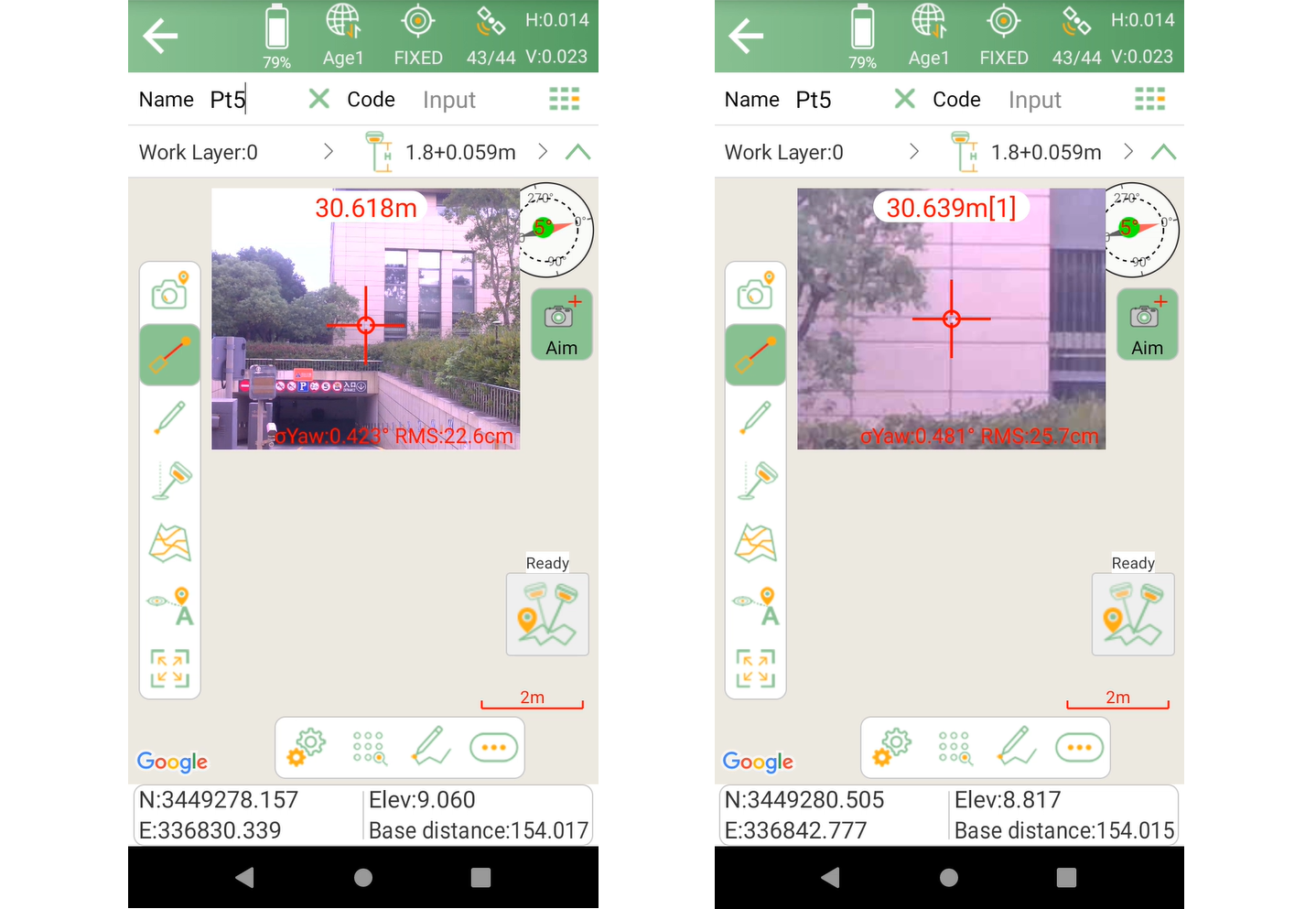
Once the laser is positioned on the desired target, tap the Survey button to measure and store the point.
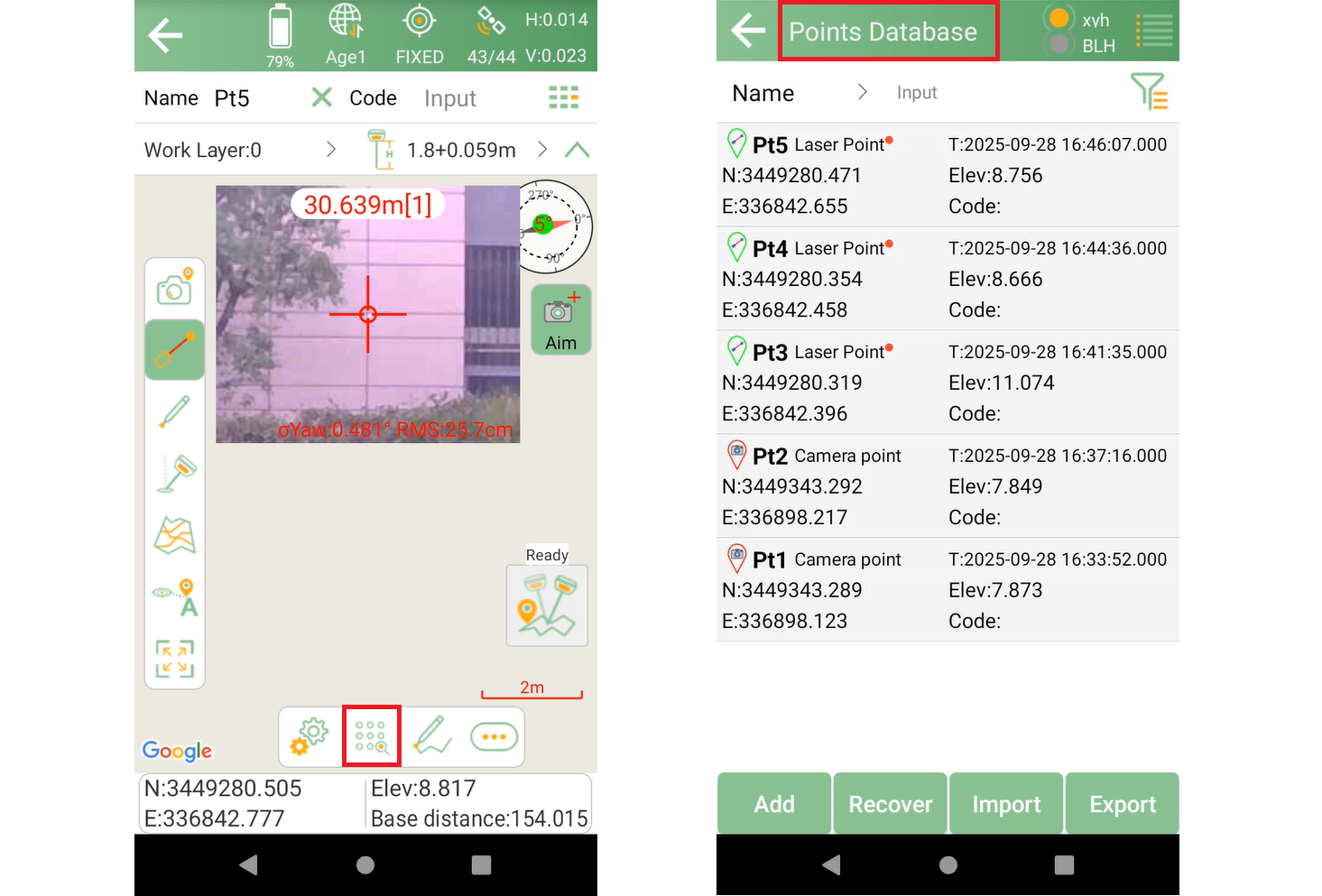
All laser survey points are stored in the project and can be reviewed visually. Go to Point Library and you will find all points data, click to check the detailed information.
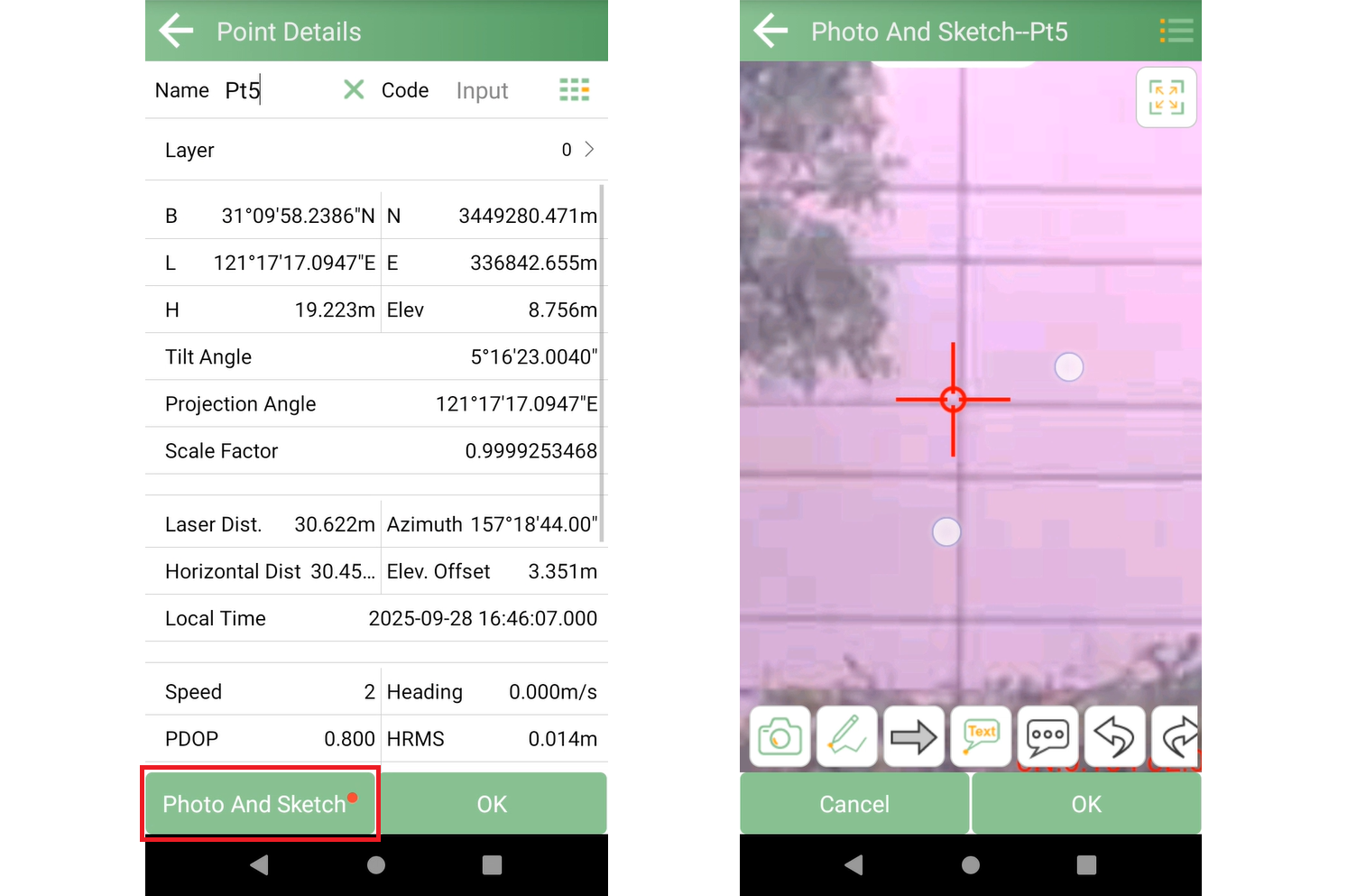
Each laser measurement includes an associated image.
You can:
View the captured photo showing the laser position at the moment of measurement
Confirm the target visually
Use it for documentation or QA purposes
This makes verification simple and traceable for field teams and clients.
Watch the tutorial video of Horus laser surveying function on our YouTube channel:
https://youtu.be/mmgcGXtCu40?si=bIIU9btTolAqqcT-
Learn more about Horus Visual & Laser RTK:
https://www.singularxyz.com/product_detail/Horus