
























































 Home

Horus Visual & Laser
GNSS Receiver
GNSS Receiver
learn more



 2026-11-03
 Linden


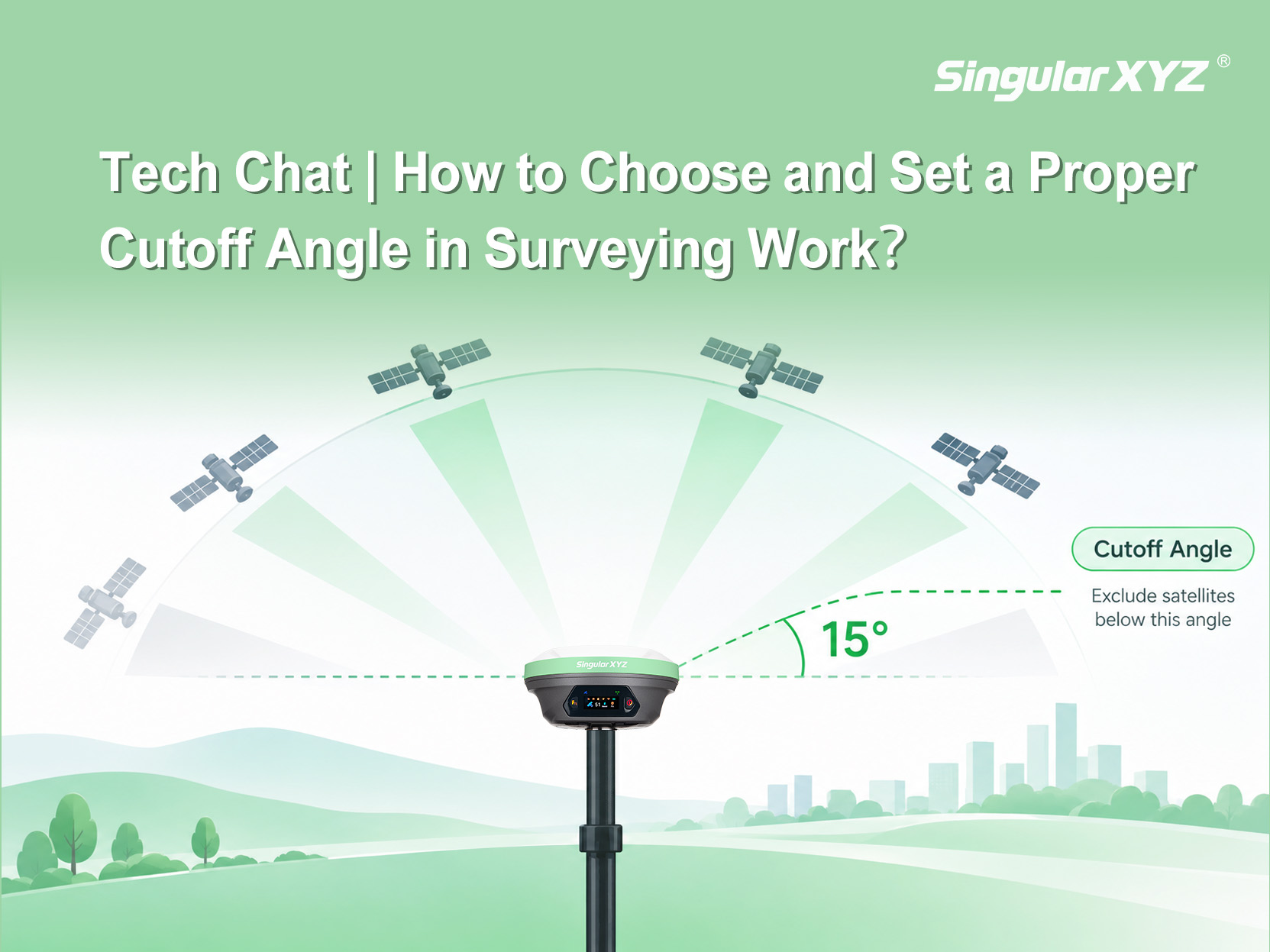
In RTK surveying, most users focus on whether a fixed solution can be obtained, yet one fundamental parameter directly determines which satellites participate in the positioning solution — the cutoff angle. This article explains what it means, what happens when it is set too low or too high, how to choose a suitable value in practice, and how to configure it in SingularPad.
In theory, every satellite within the receiver's view can provide observations, but signals at different elevation angles are affected by the environment in different ways:
Low-elevation signals travel a longer path through the atmosphere, so atmospheric delay has a more significant impact;
Low-elevation signals are more likely to be blocked or reflected by the ground, buildings, hills, or trees, introducing multipath error and signal attenuation.
The cutoff angle (Elevation Mask / Elevation Cutoff Angle) is a threshold, expressed in degrees, that defines the minimum satellite elevation angle allowed in the positioning solution. For example, setting it to 15° means that satellites below 15° elevation are excluded from the solution.
The cutoff angle is essentially a trade-off among observation quality, the number of available satellites, and their spatial distribution — both directions come at a cost.
Set too low: the two low-elevation quality issues mentioned above are brought into the solution more heavily. Low-quality observations can make it harder to obtain a fixed solution. When satellites are plentiful and the environment is favorable, there is no need to keep lowering the cutoff angle just to gain more satellites.
Set too high: fewer satellites participate in the solution and their spatial distribution worsens, which can likewise affect the ability to obtain a fixed solution.
Two points deserve attention:
Low-elevation satellites are not "invalid satellites" — when available satellites are scarce, retaining some low-elevation ones may actually help sustain the positioning solution;
There is no fixed satellite count that guarantees a fixed solution. The number actually required also depends on the receiver's algorithms, the satellite systems and signals involved, differential corrections, and the current observation quality.
There is no single optimal value for all scenarios, but the direction of adjustment can follow site conditions:
Site condition | Direction | Reason |
Open environment with few reflectors | Can be set lower | Retains more low-elevation satellites; but lower is not always better |
Significant blocking or multipath from buildings, hills, or trees | Raise moderately | Reduces affected low-elevation observations; raising it too much discards valuable satellites |
Insufficient available satellites | Do not raise blindly | Satellites are further reduced and distribution worsens |
Starting reference: in practice, 10° is a common default or recommended setting — for routine RTK work, start from around 10°, then adjust based on the number of available satellites, the fixed-solution status, and the measurement results on site.
The figures above are engineering references rather than fixed standards: satellite distribution at the same site differs across time periods, so a reasonable value may change over time; and higher-precision work does not automatically call for a higher cutoff angle — verify your setting through field testing.
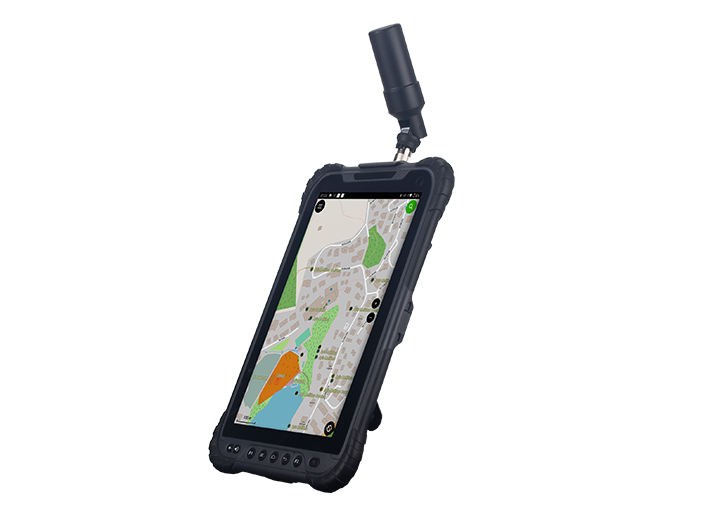
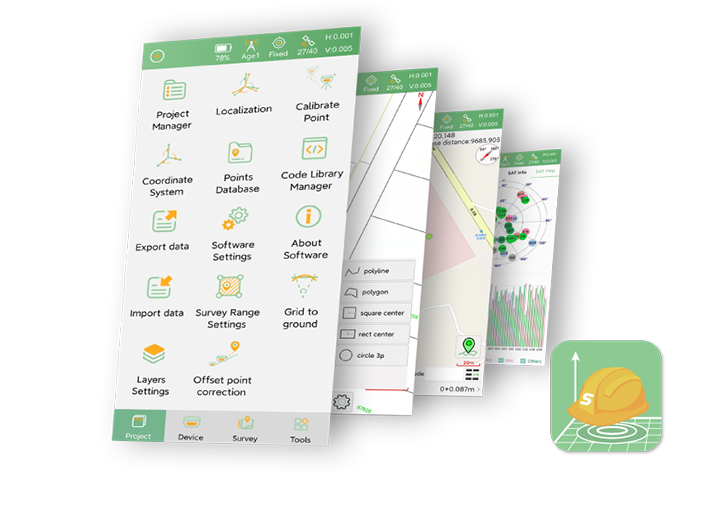
1. After connecting the receiver, tap the satellite icon at the top to open the Position Information page.
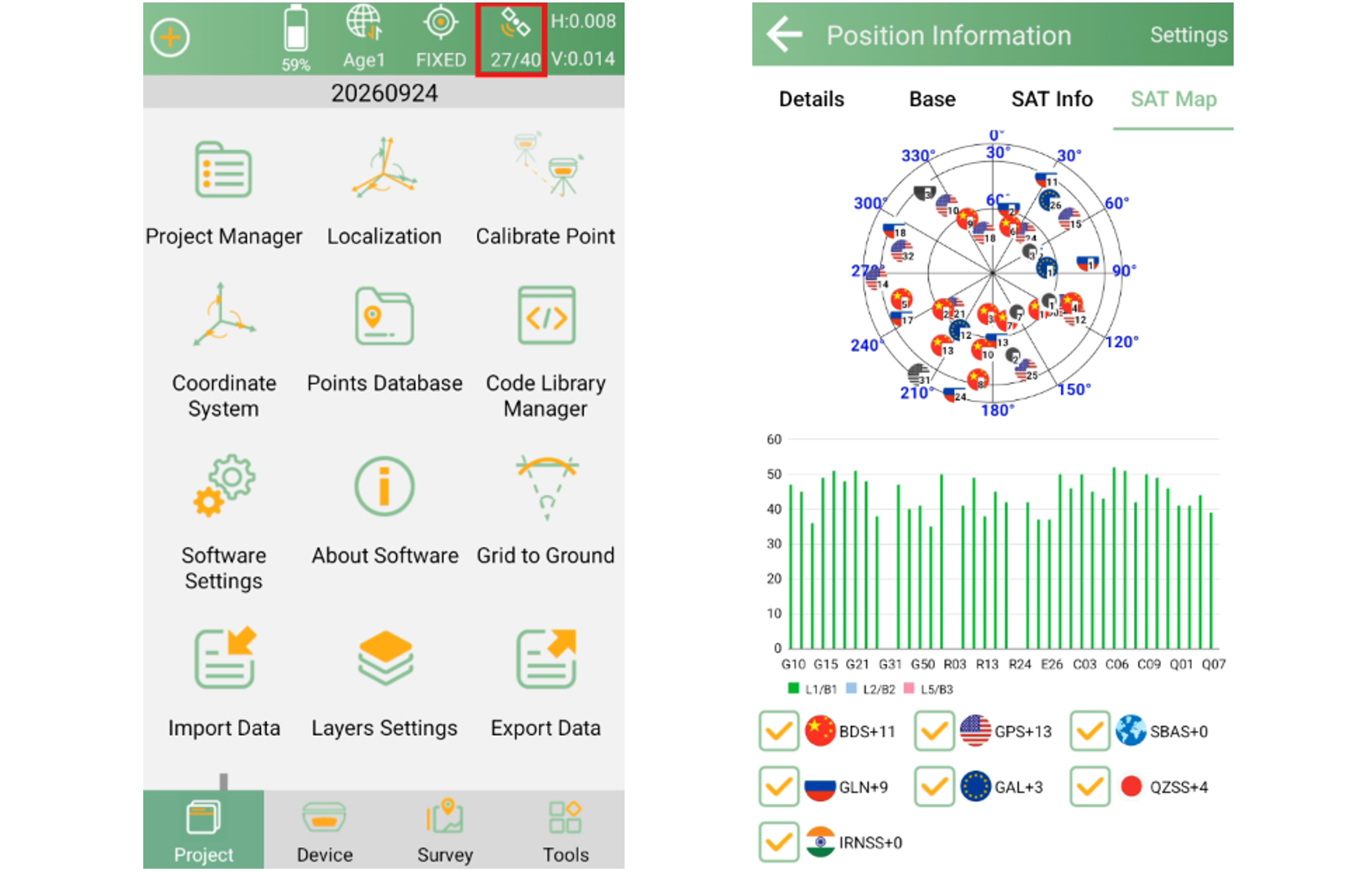
2. Tap Settings in the upper-right corner to open the GNSS System settings page.
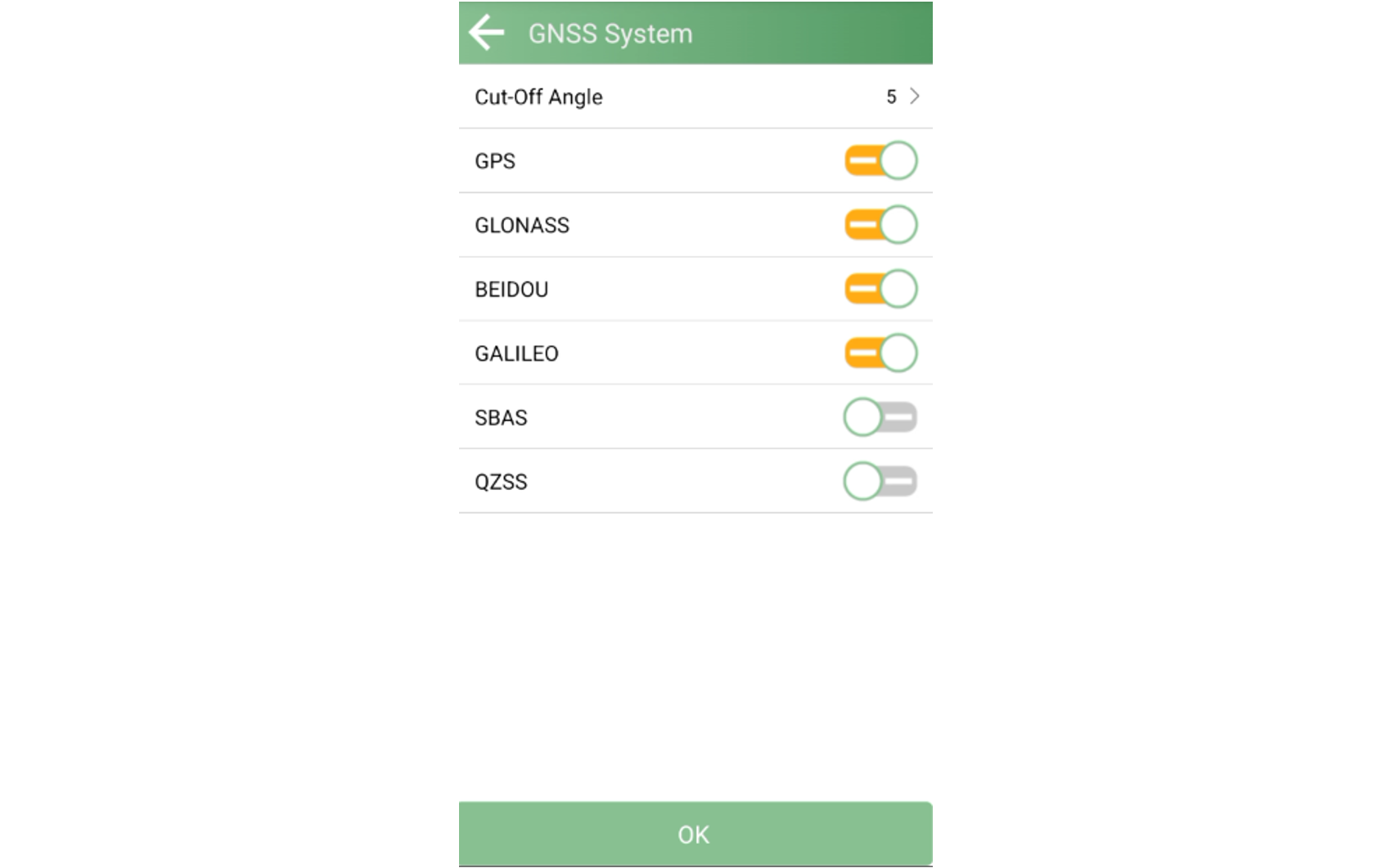
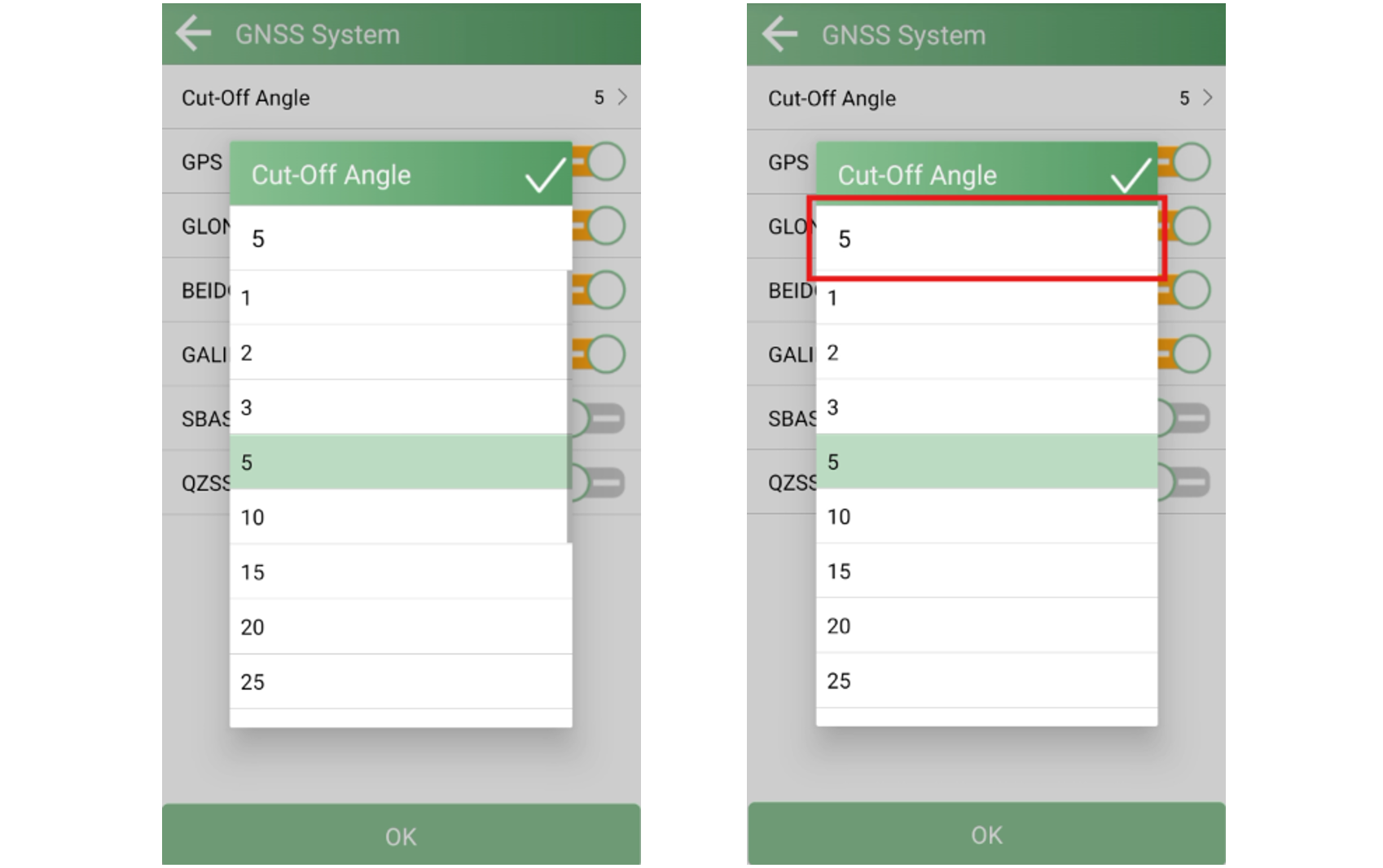
3. Tap Cut-off Angle to configure it. Preset angles are available in the software; if none of them meets your needs, tap the area in the red box to enter a custom value.
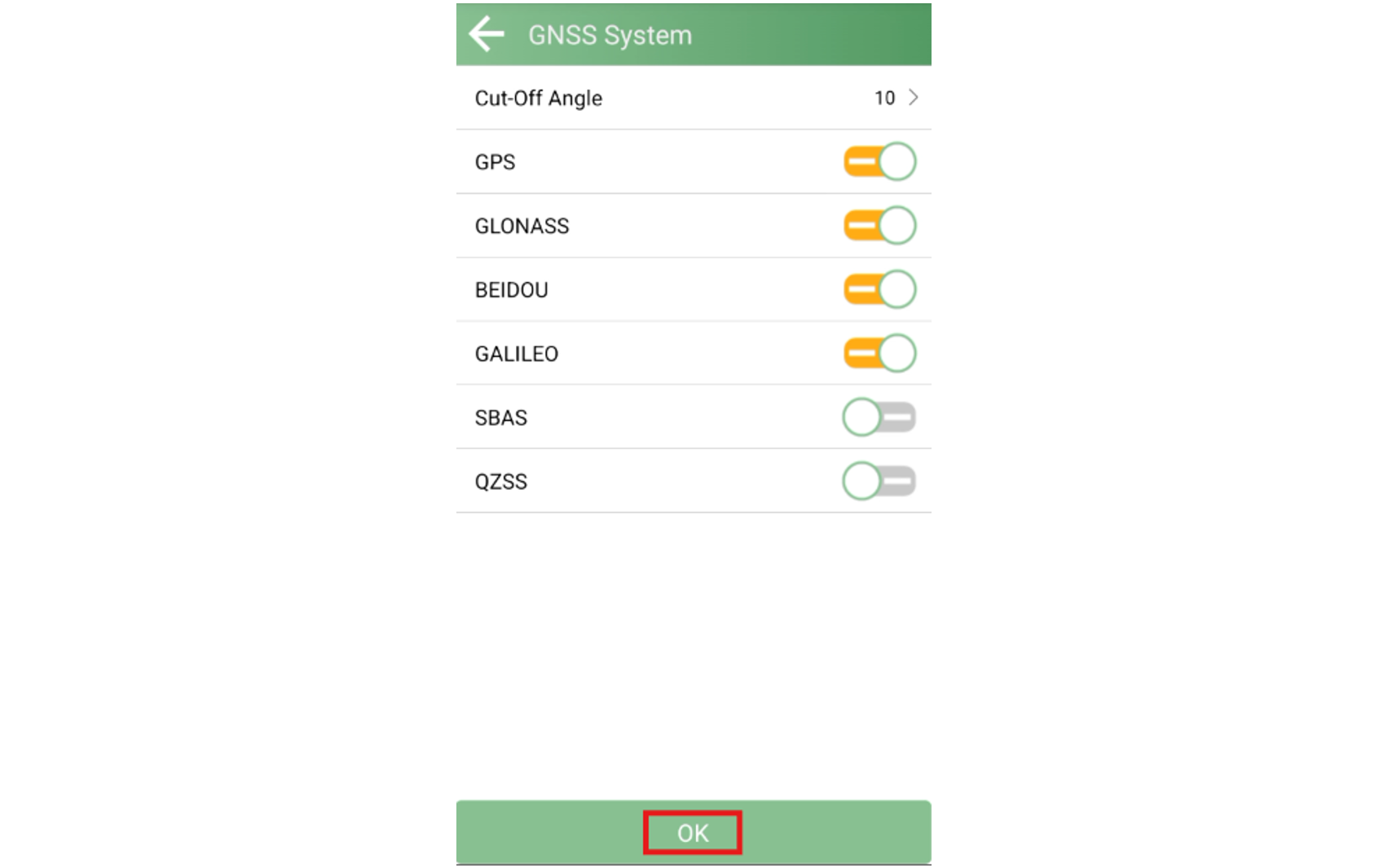
4. Tap OK to save the setting.
The cutoff angle only affects which satellite observations participate in the subsequent positioning solution.
Within the same project, if the blocking and multipath environment changes significantly between areas, the cutoff angle can be adjusted accordingly; however, for control surveys or comparison tests that require consistent observation conditions, keep a unified setting as required by the project.
The cutoff angle is a trade-off parameter between observation quality and the number of available satellites: for routine RTK work, start from the device default or around 10° and adjust dynamically based on the solution status on site.
If you would like to use this feature in SingularPad, or encounter any issues during configuration or use, please contact our support team to get assistance.