






























































 Home
Home

Xbase
GNSS Receiver
GNSS Receiver
learn more





 2026-08-04
 Gus
Gus


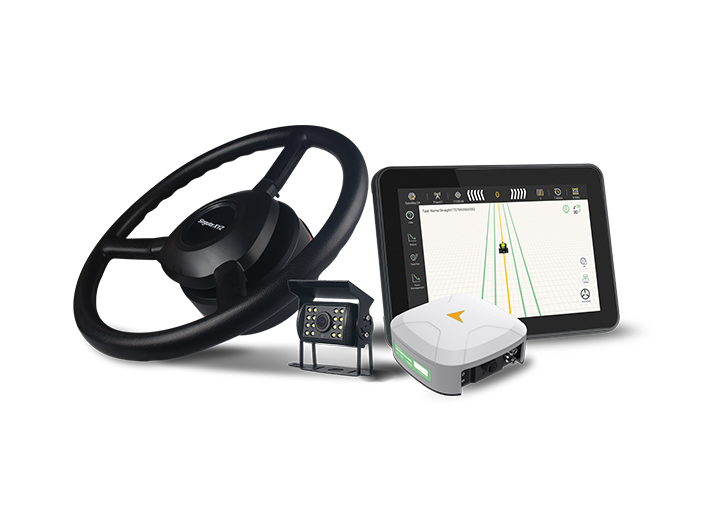
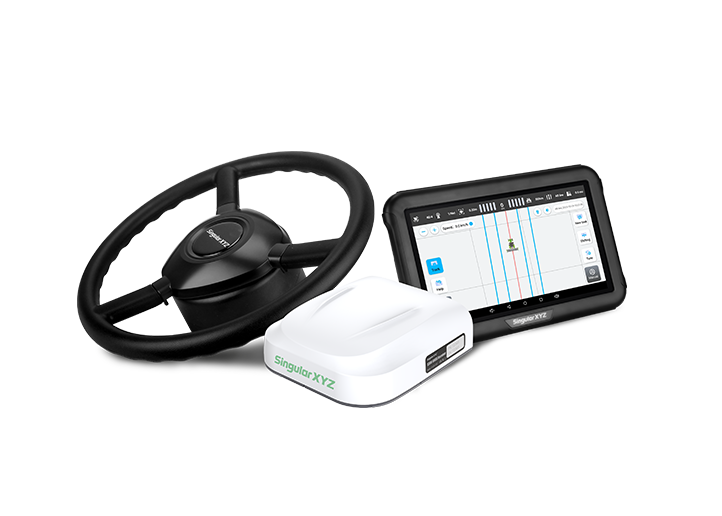
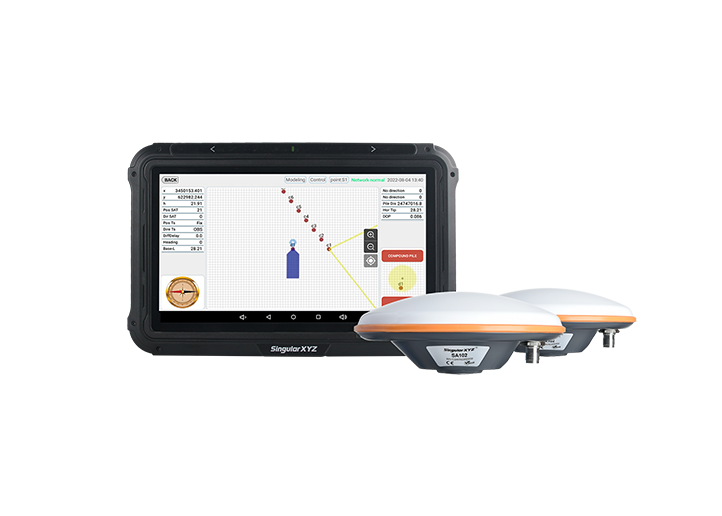
When using the SAgro200 system for the first time, proper configuration is required to ensure that the system can communicate correctly with the vehicle, sensors, and correction source.
This blog introduces the basic SAgro200 configuration process and explains how to connect it with a SmartBase to obtain a high-precision RTK fixed solution.
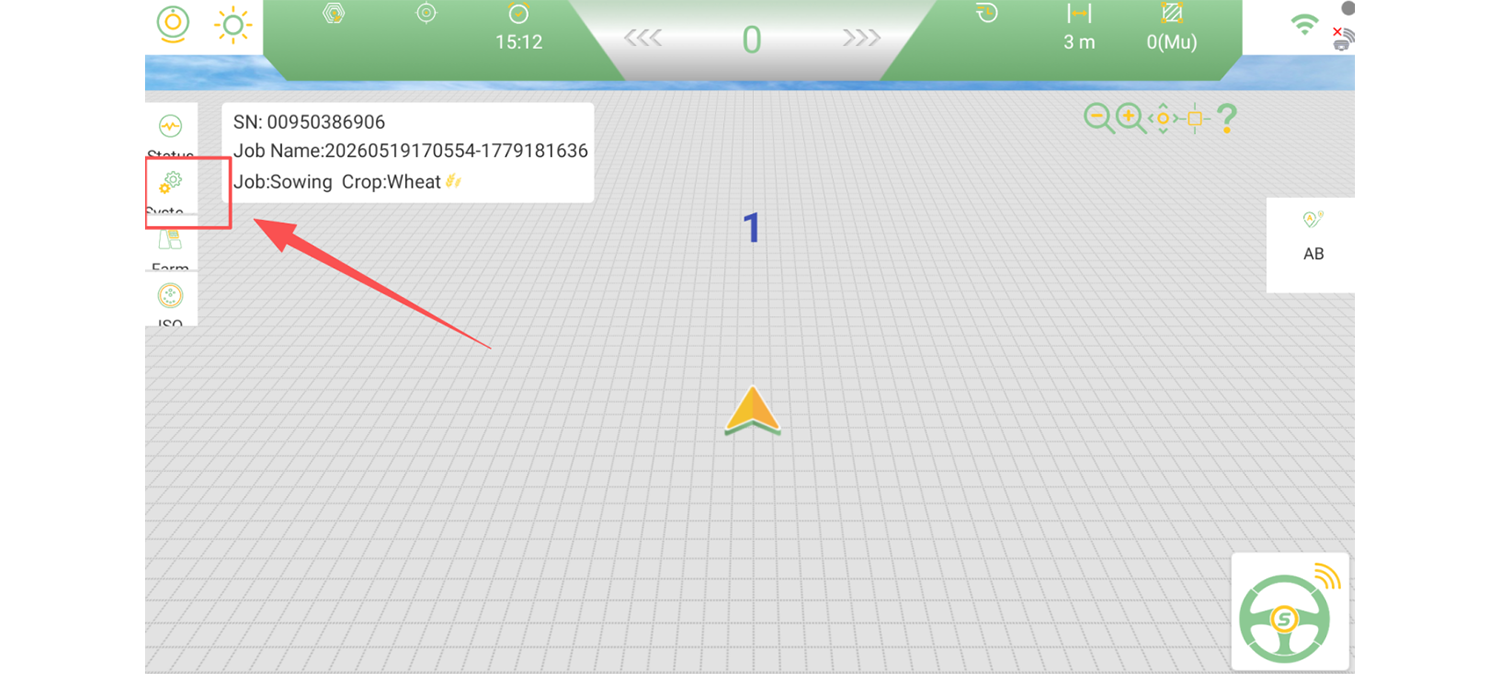
Open the SAgro200 software and enter the Settings interface.
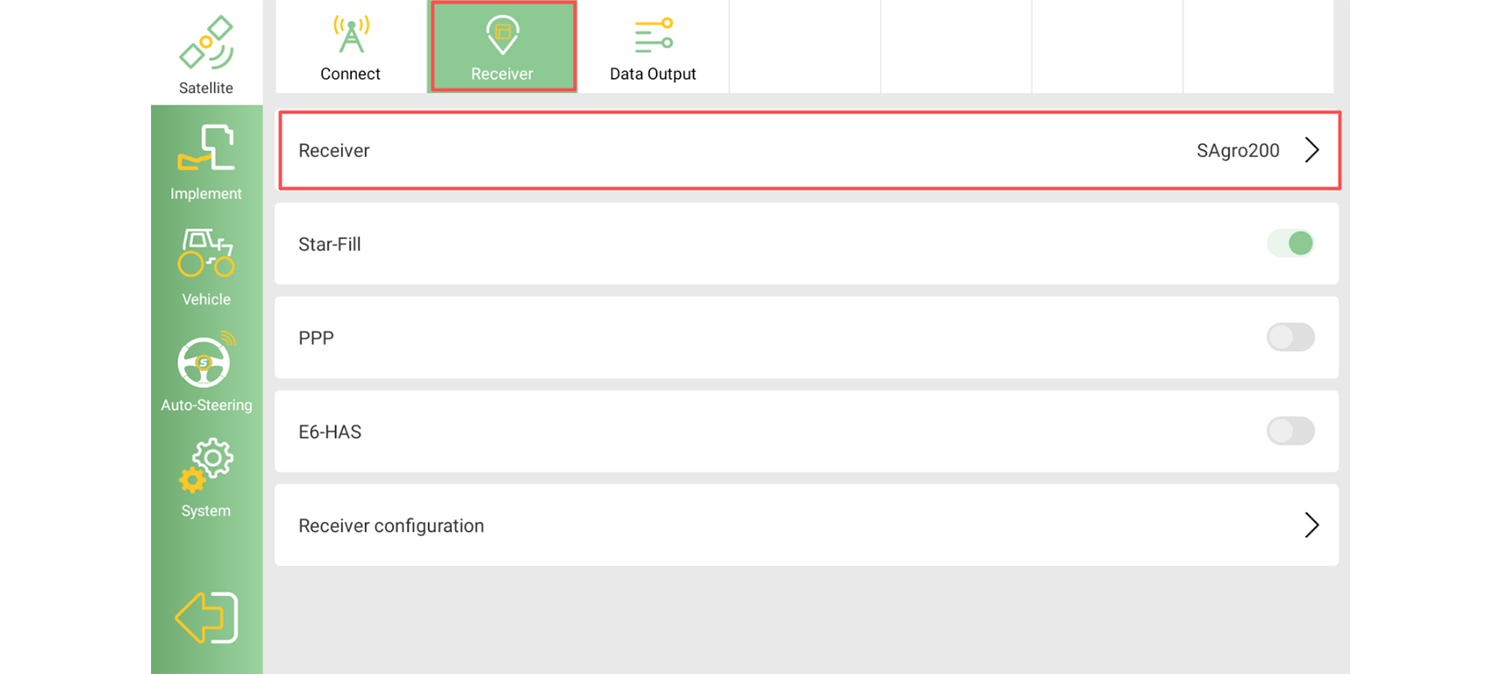
Select Receiver type as SAgro200.
Enter the vehicle parameters in Vehicle >> Vehicle Model according to the actual installation conditions. Accurate vehicle parameters are essential for correct positioning and auto-steering performance.
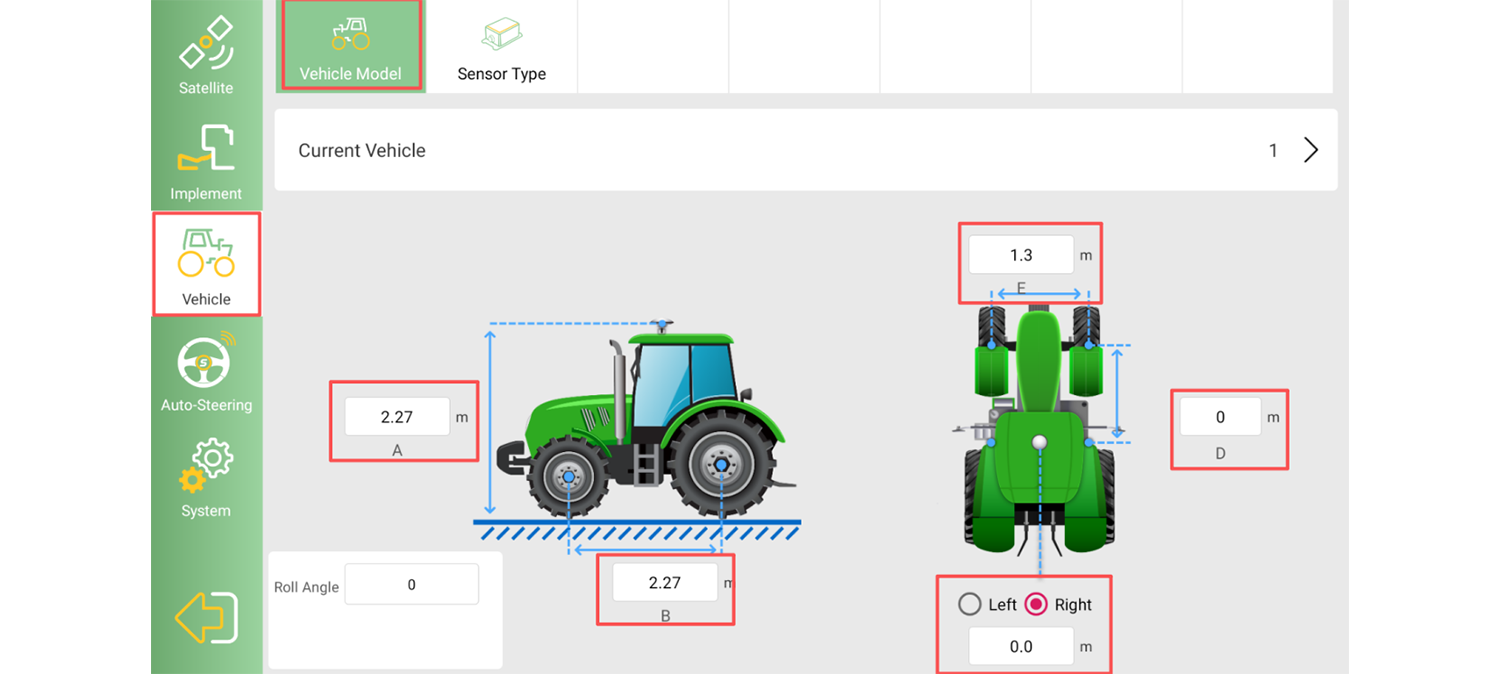
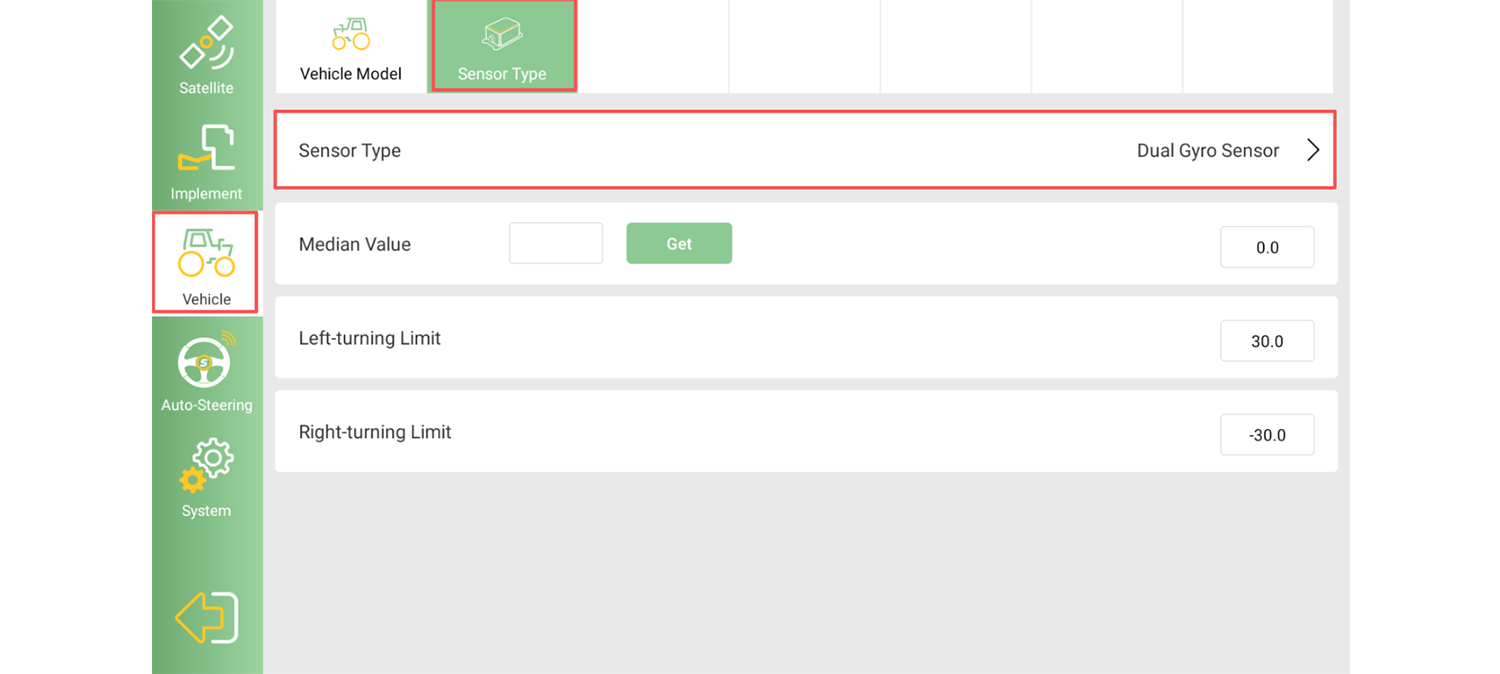
Select the sensor type as Dual-Gyrp Sensor.
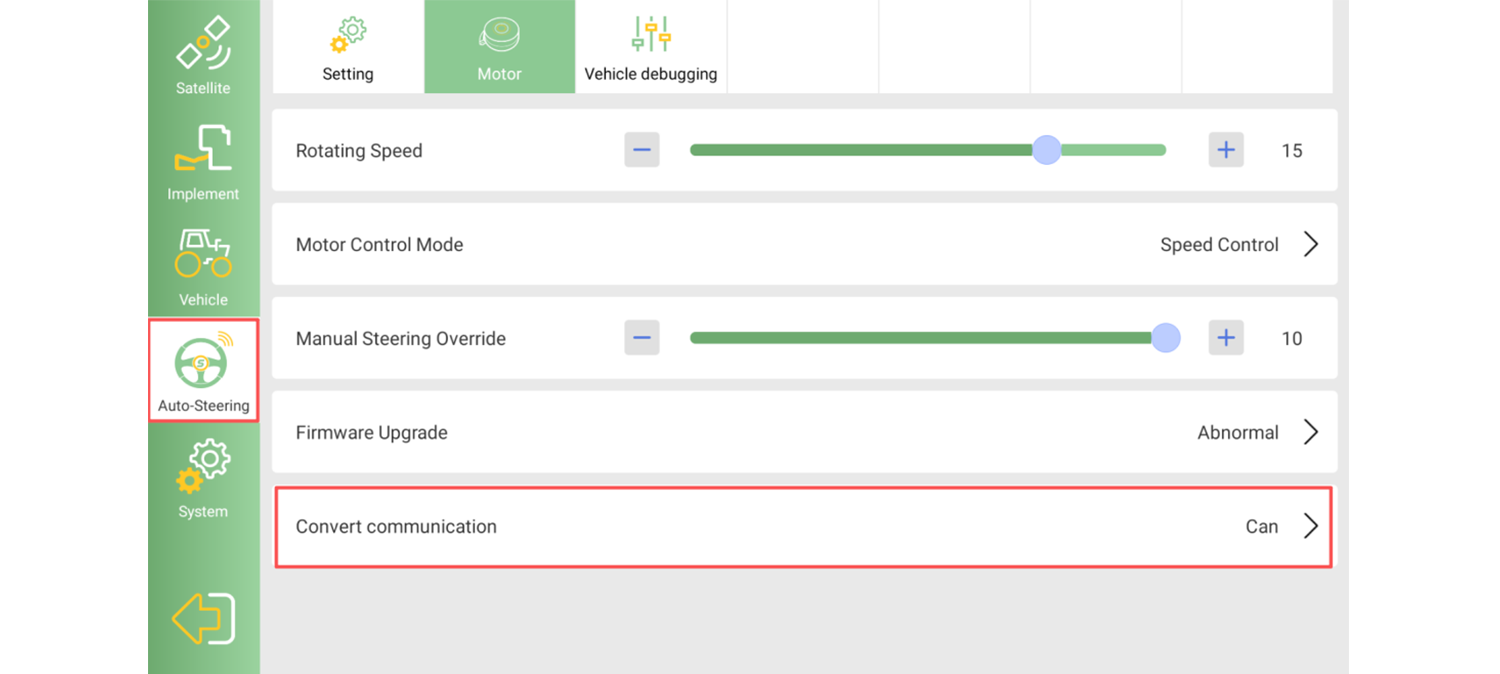
Set the Auto-steering >> Motor >> communication conversion mode as CAN
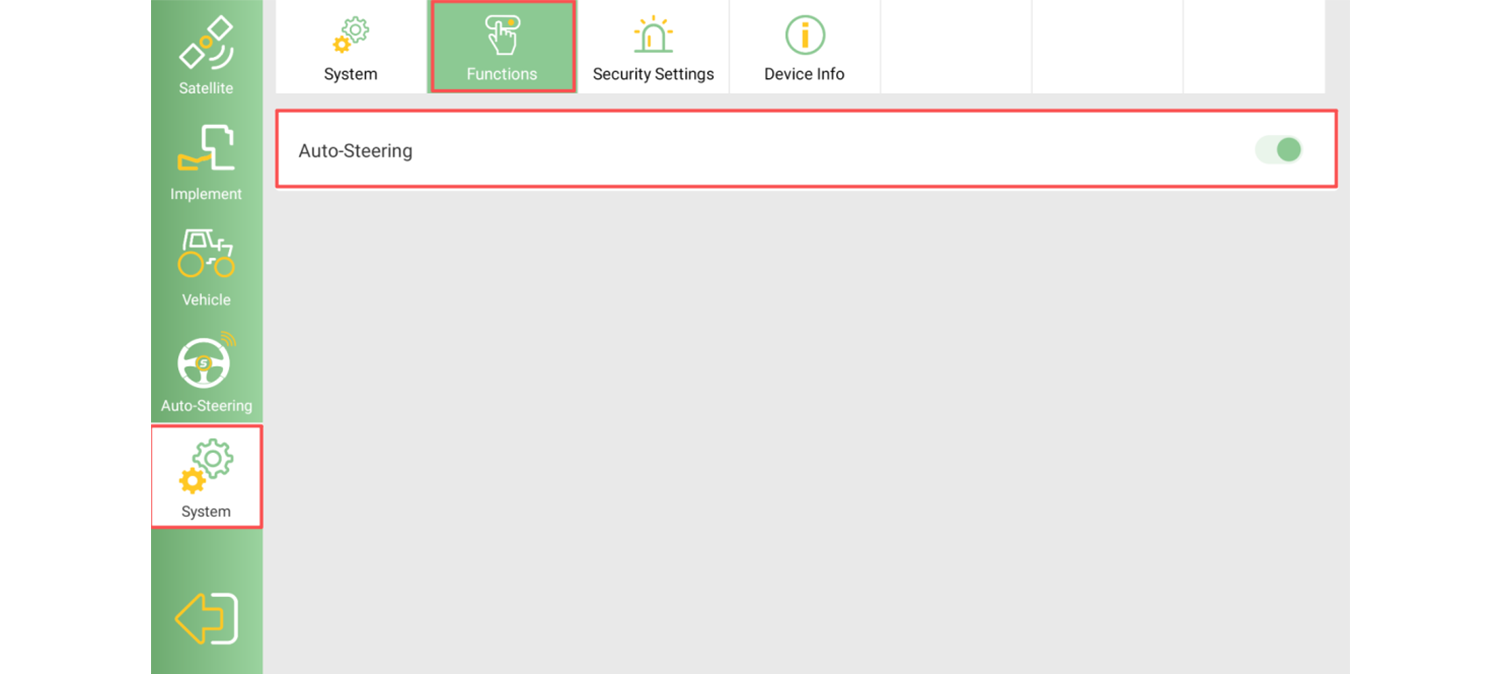
Enable Auto-Steering function in System >> Functions.
After completing the basic SAgro200 configuration, the next step is to configure the SmartBase connection.
For SmartBase setup instructions, please refer to our previous blog:
How to Enable the SmartBase Function on the Device
After configuring the SmartBase radio settings, return to the SAgro200 software and configure the corresponding radio parameters.
Go to Settings >> Radio Service, and add a new radio configuration.
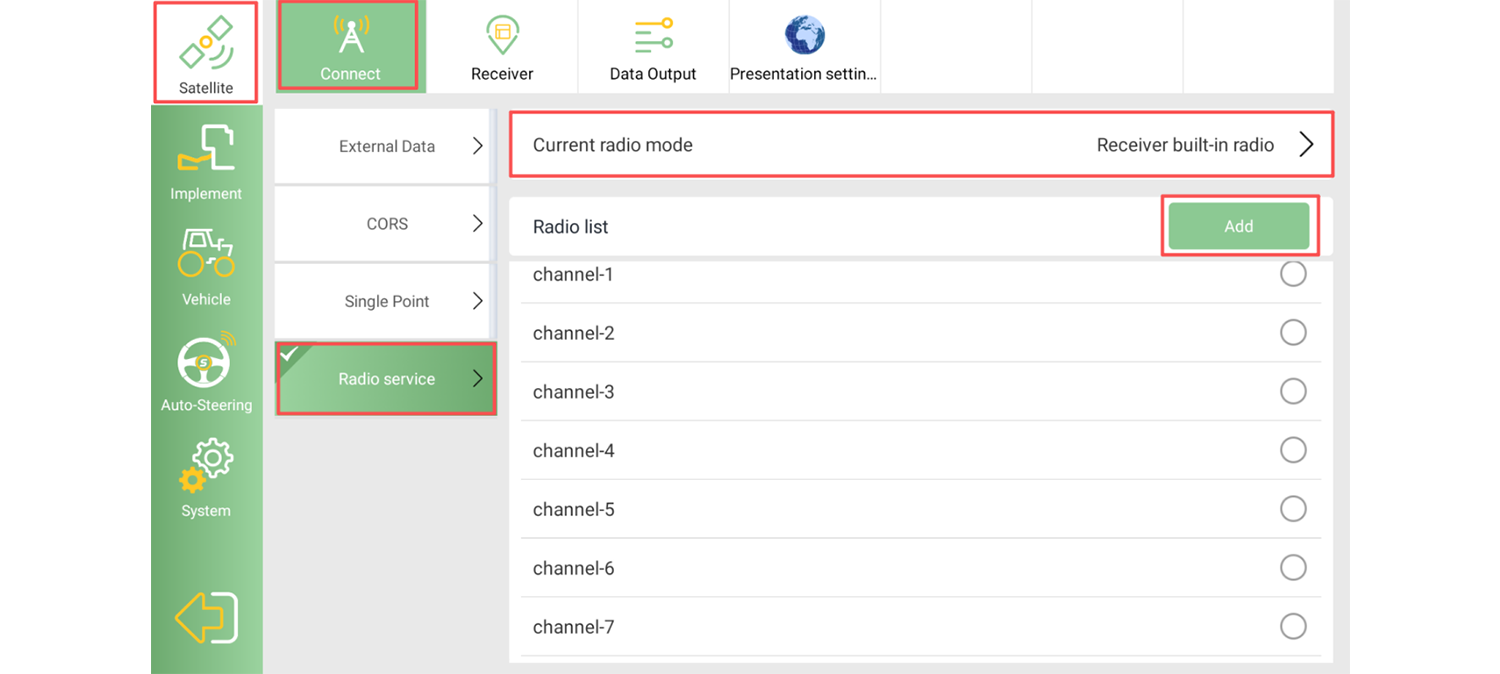
The radio protocol and frequency settings must match the SmartBase configuration exactly.
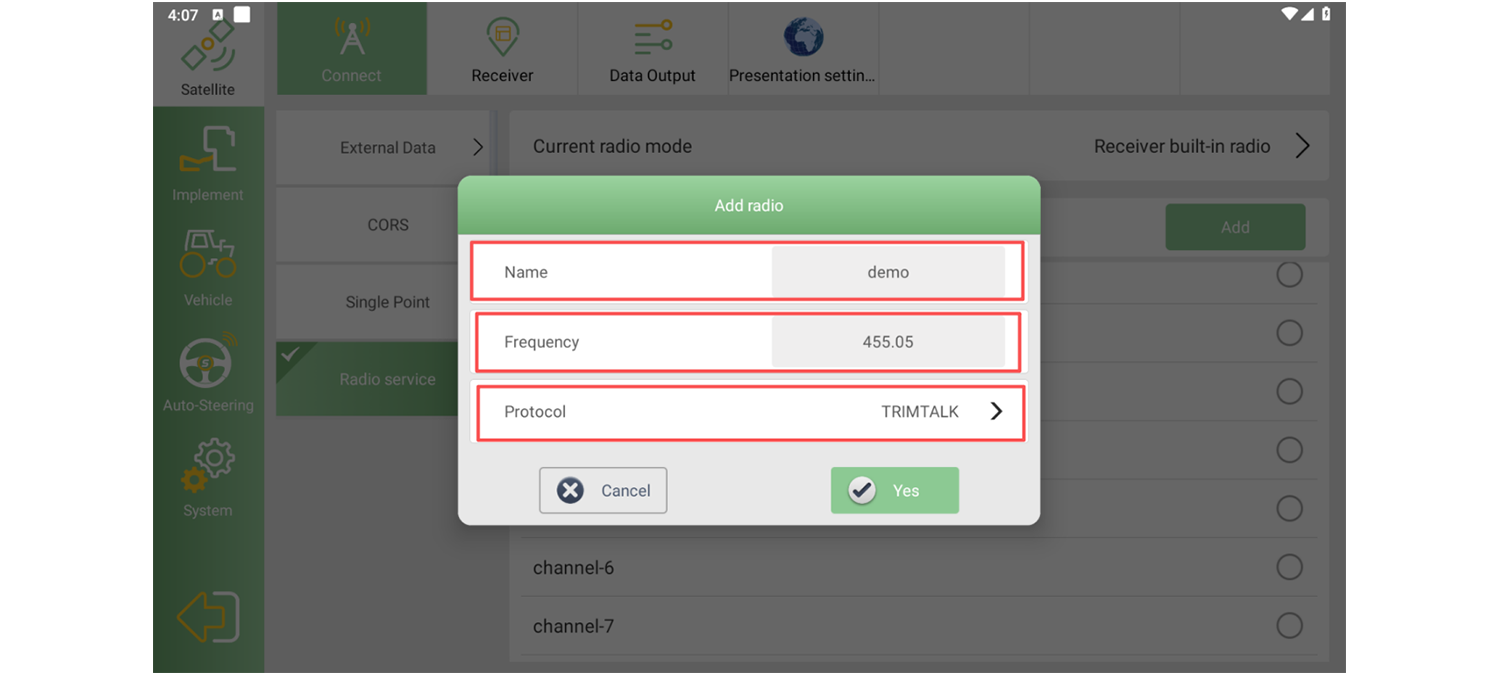
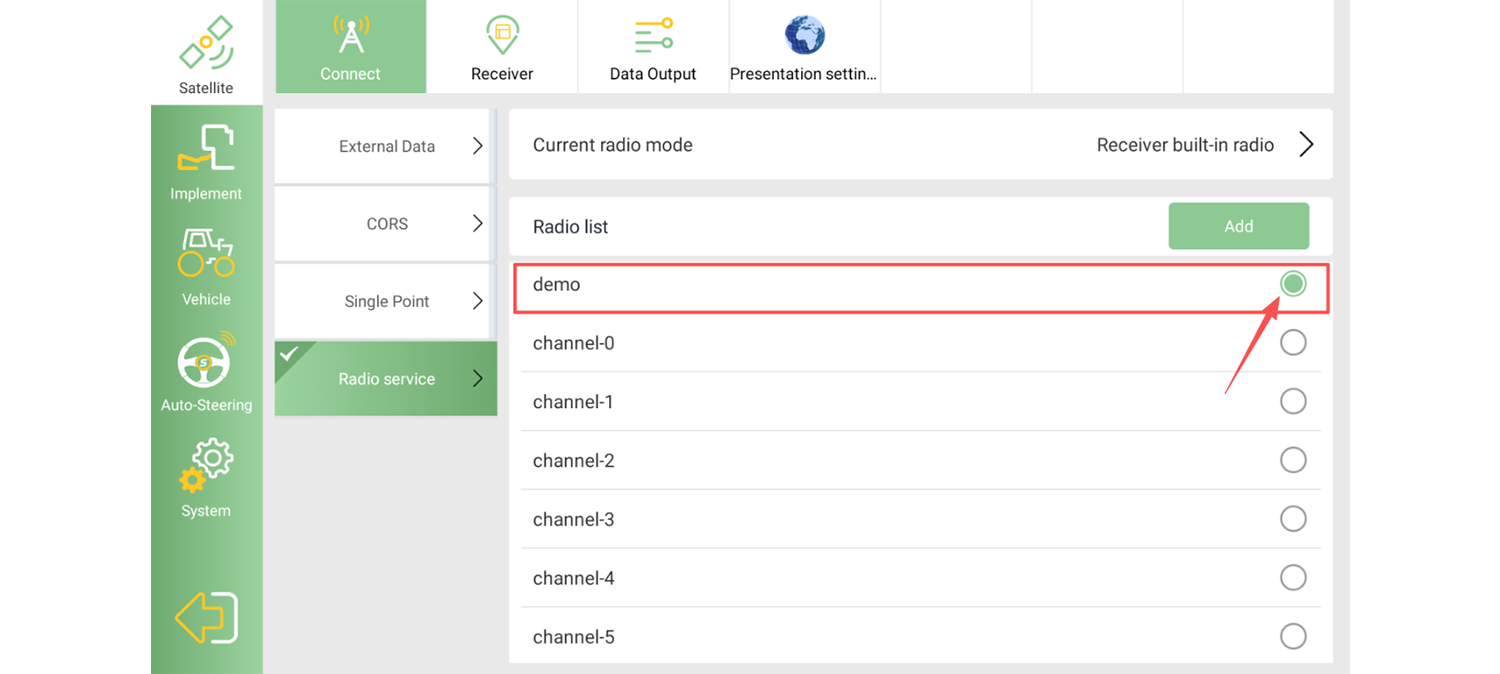
After saving the configuration, find the newly added radio profile in the list and click the button on the right to apply it.
After completing the radio configuration, the SAgro200 will start receiving correction data from the SmartBase.
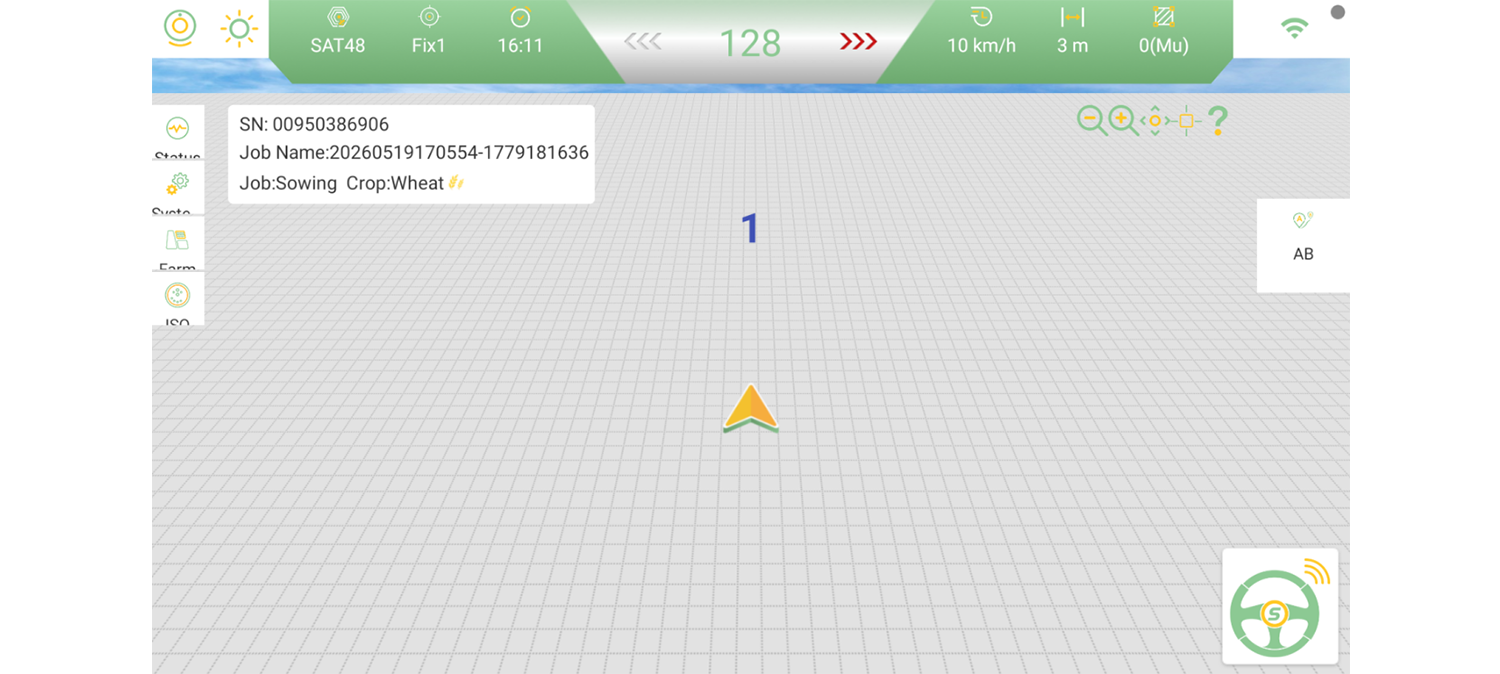
Wait for the system to initialize. Once the RTK status changes to Fixed, the configuration is complete and the system is ready for operation.