




























































 Home
Home
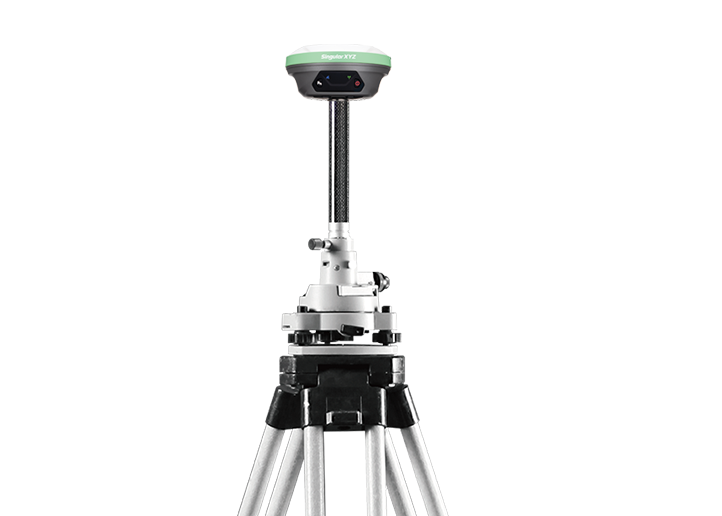
X1 GNSS Receiver
learn more










 2026-09-15
 Kimberly


Do you need to remotely manage a GNSS receiver or broadcast RTK correction data from a field location that lacks a public IP address? Ngrok offers a secure and convenient NAT traversal solution for GNSS receivers. With simple configuration, you can securely map the receiver's local web interface and data ports to the public internet, enabling remote configuration, status monitoring, and data transmission from anywhere.
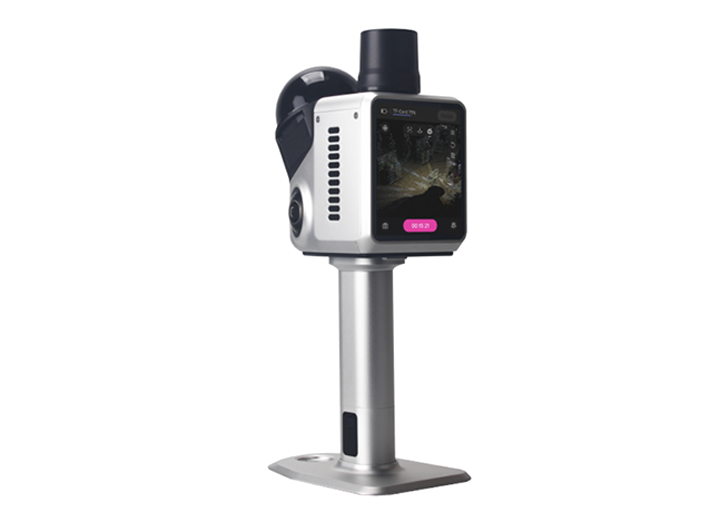
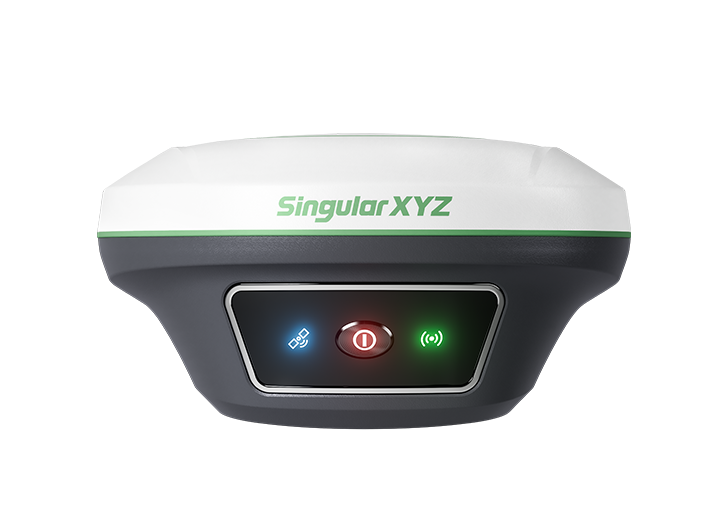
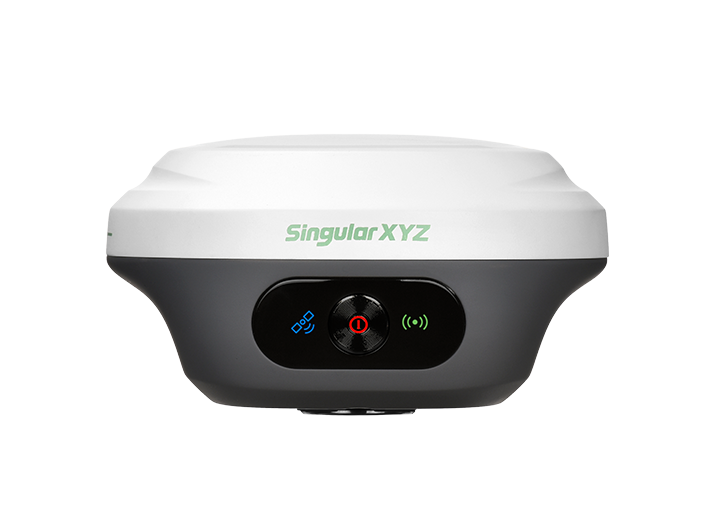
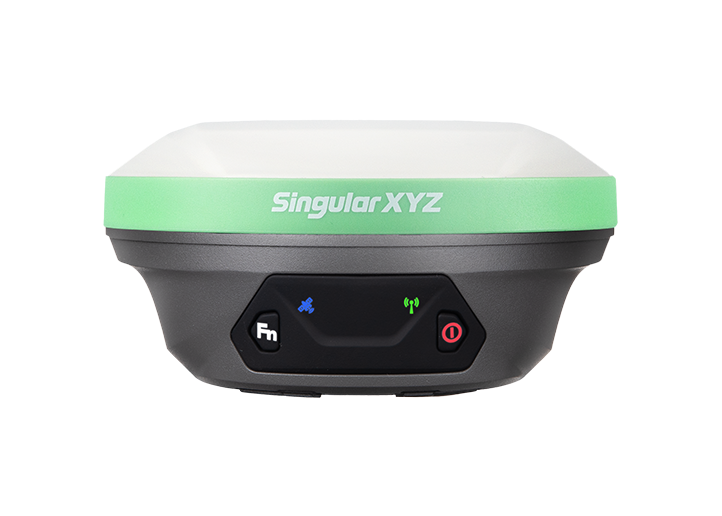
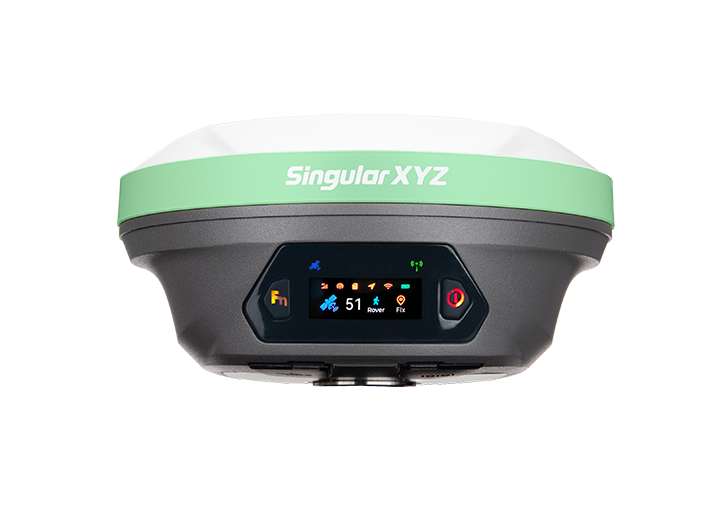
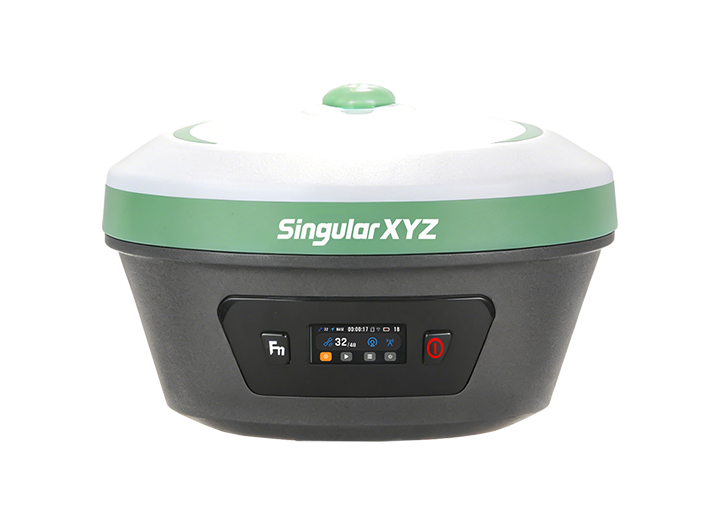
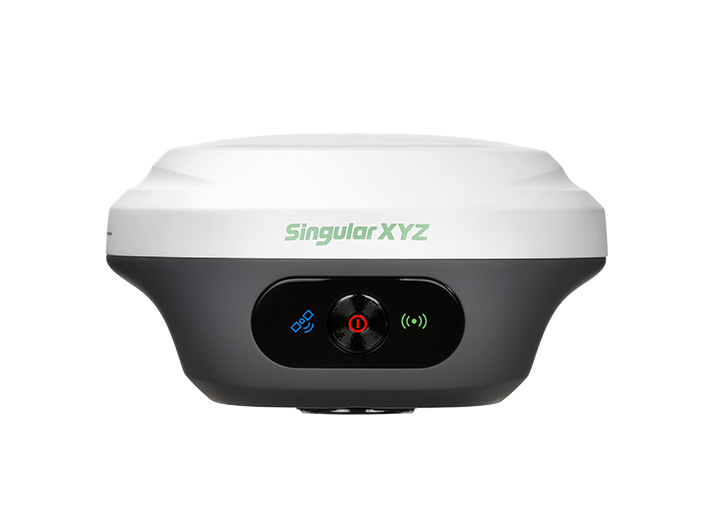
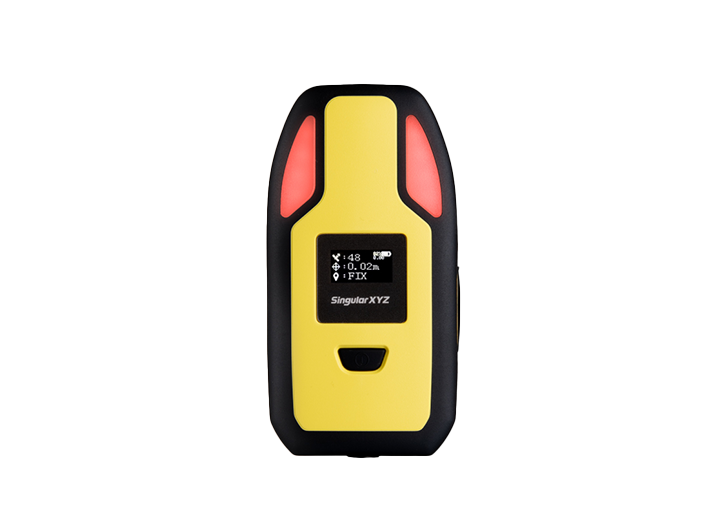
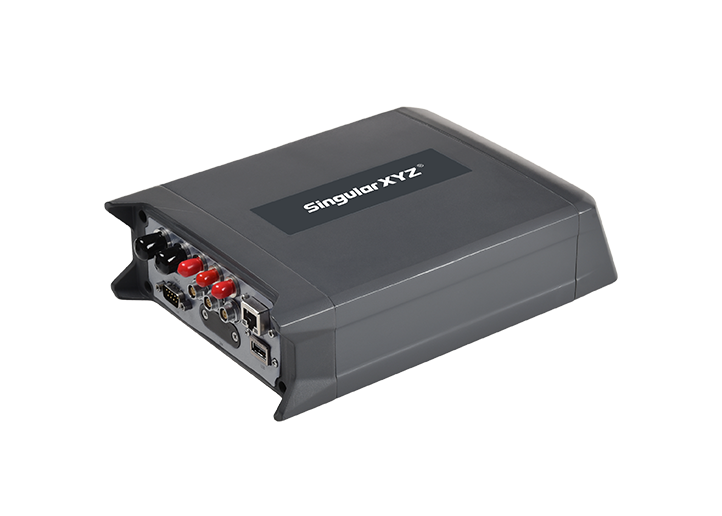
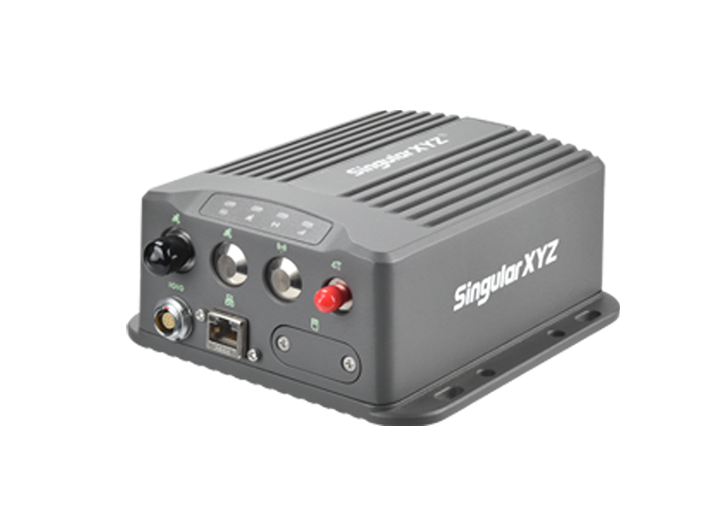
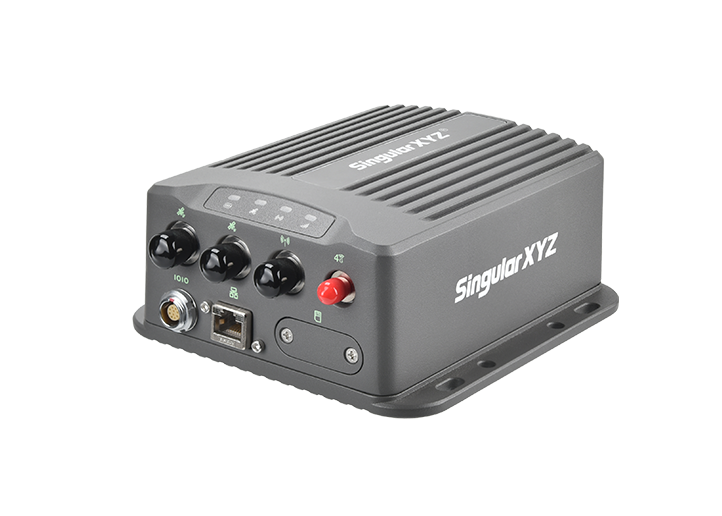
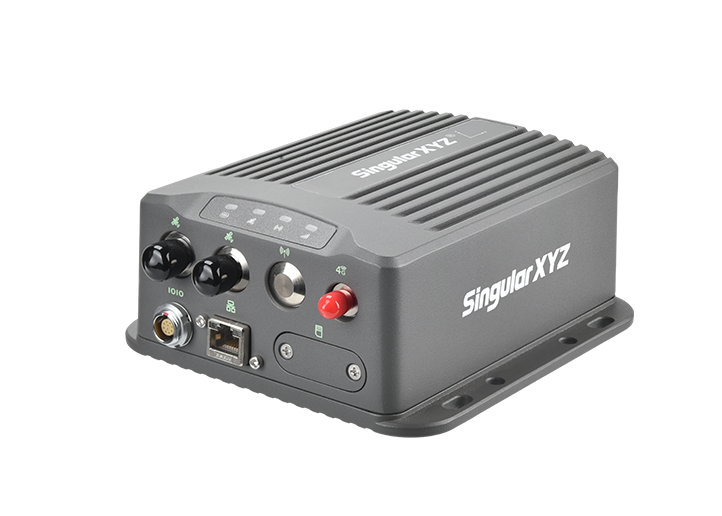
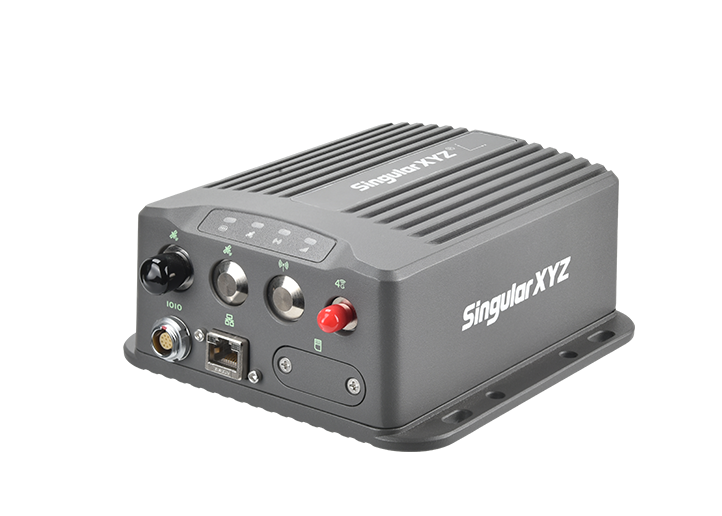
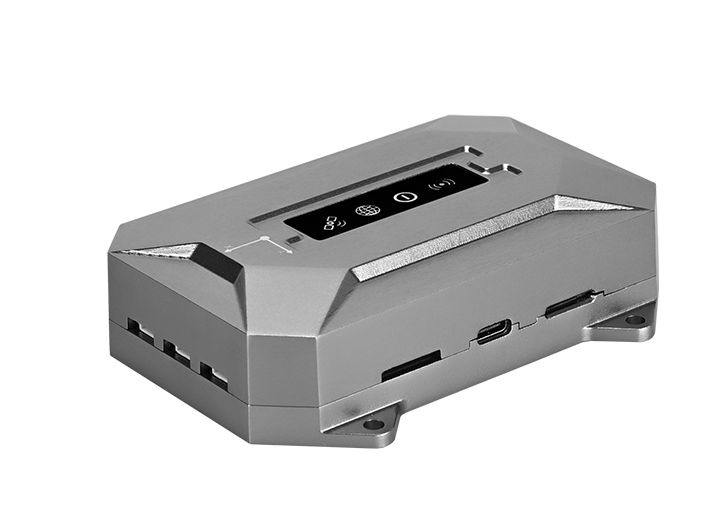
SingularXYZ's X1 and SV100 receivers support the ngrok function. This blog introduces the steps for configuring ngrok on the X1 receiver.
First, copy the ngrok file to the root directory of the receiver's USB drive. (Please don't delete this ngrok file later; it must remain on the receiver's USB drive.)

Then, visit the official ngrok website (ngrok.com) in your browser. Register or log in to your account.
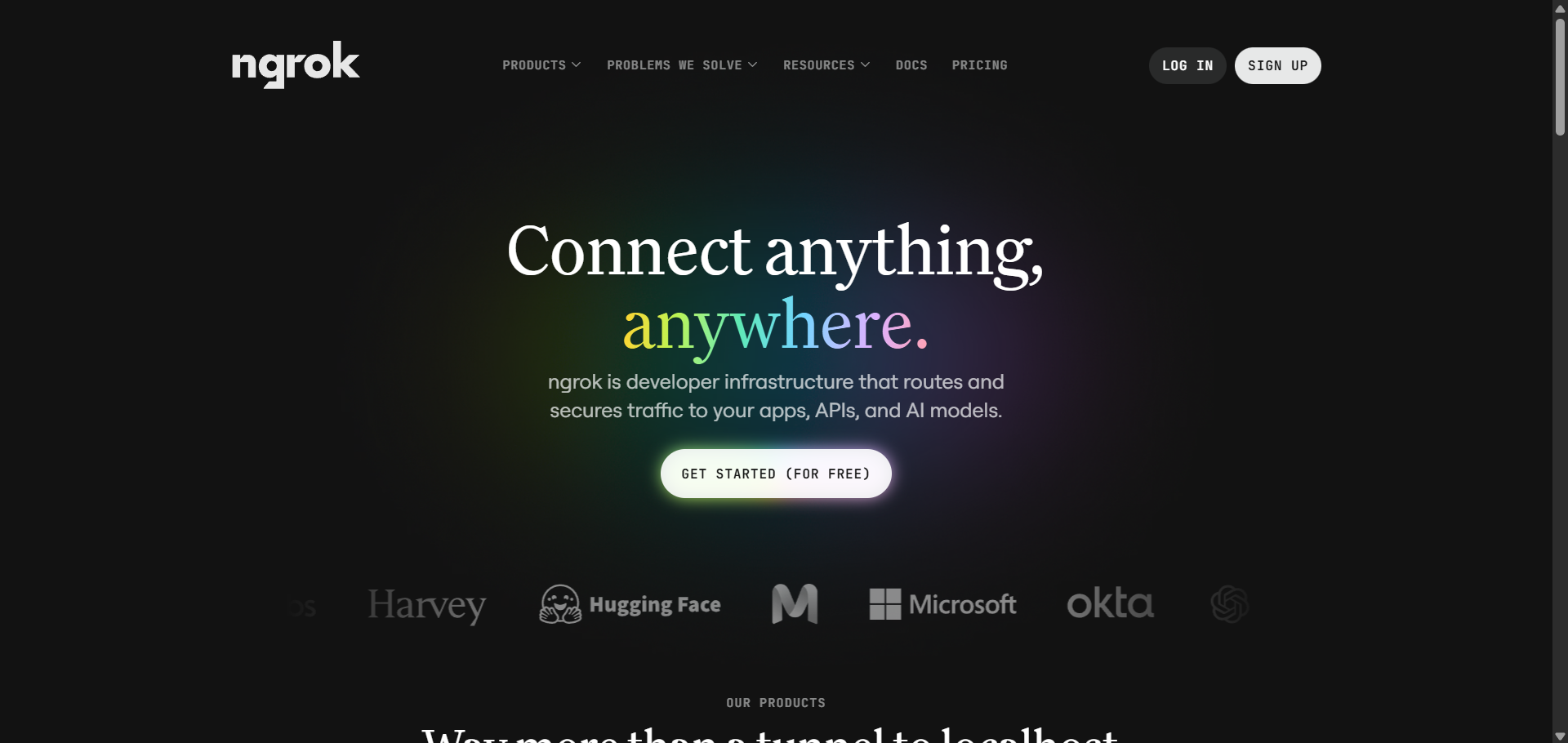
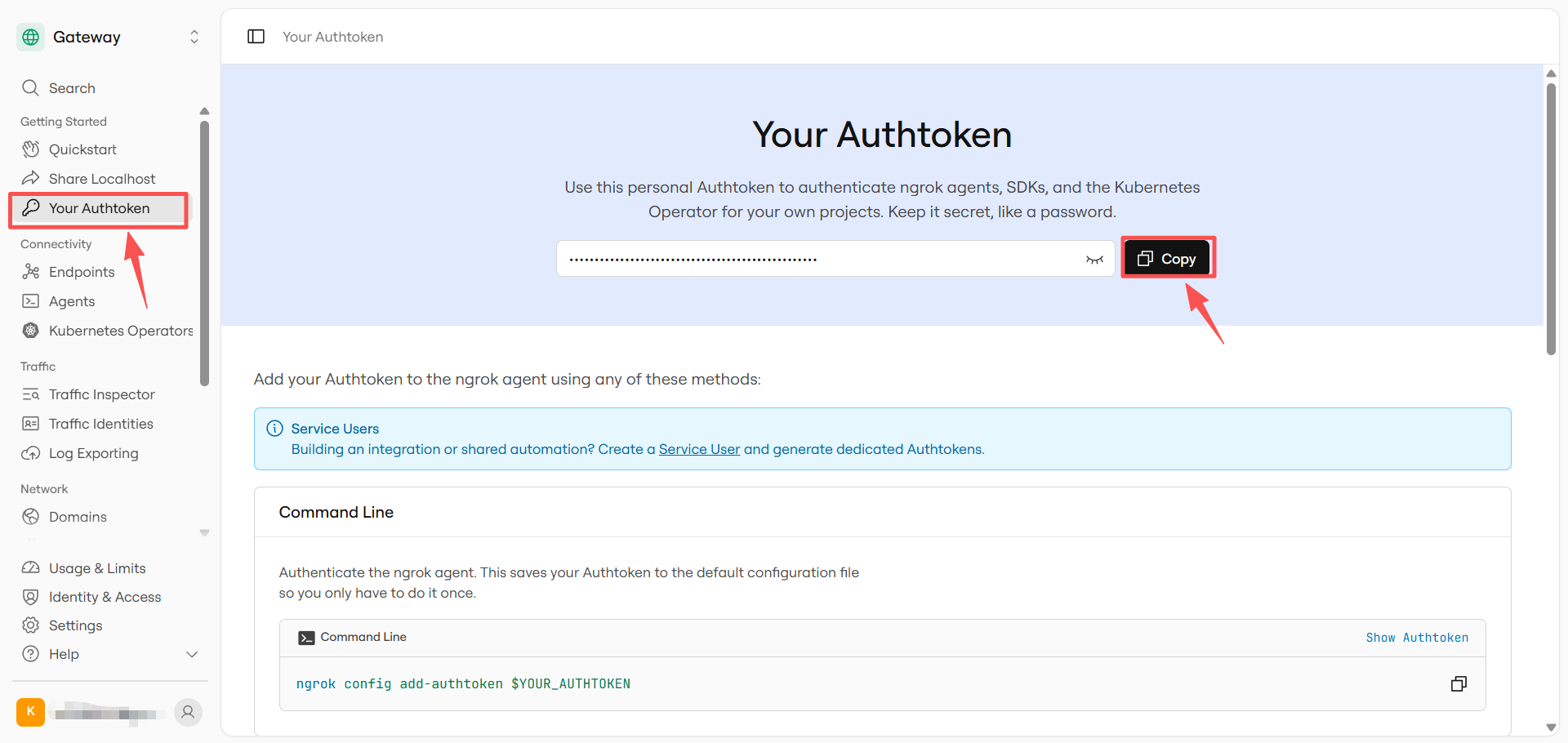
Go to Getting Started > Your Authtoken, copy your Authtoken, and save it securely.
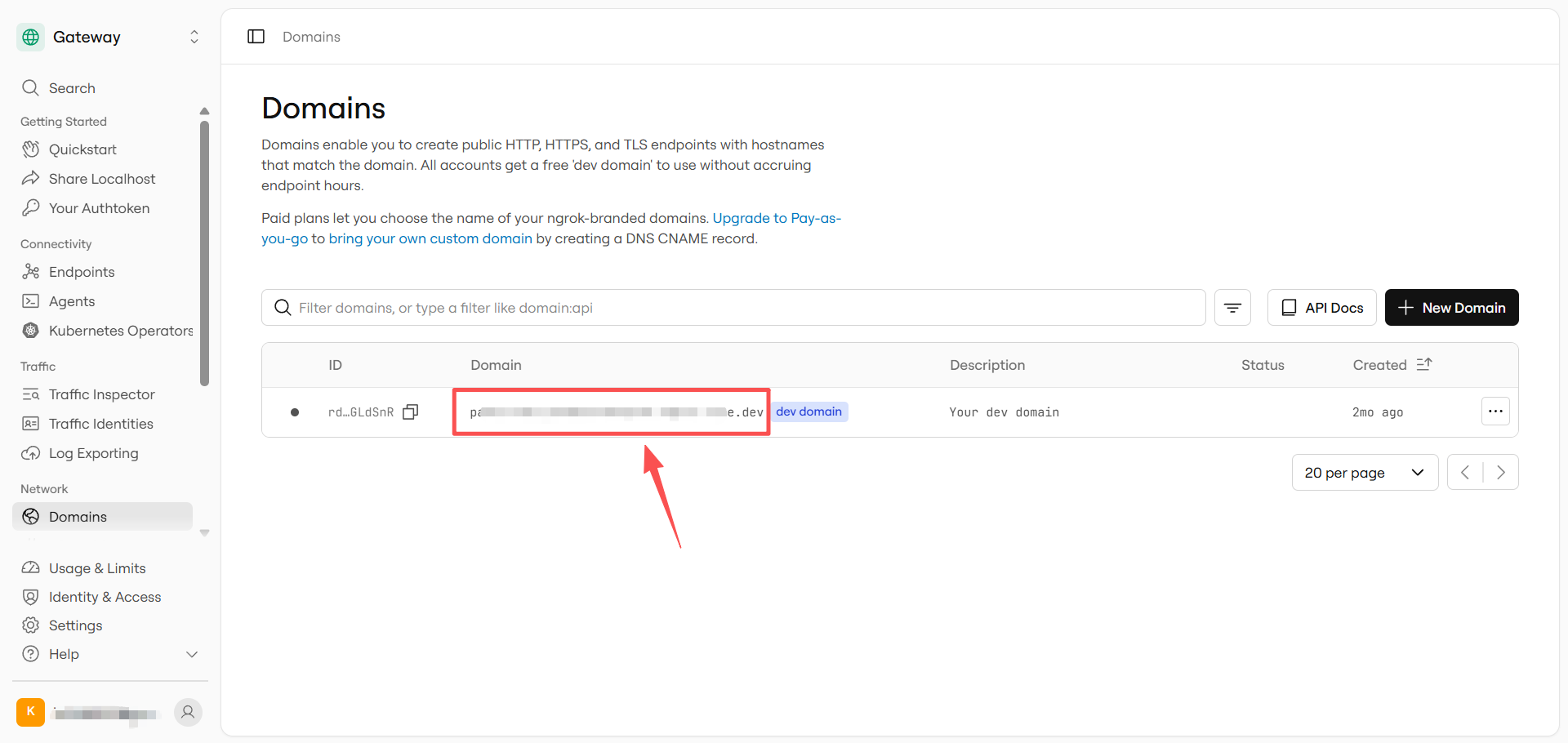
Go to Network > Domains, copy your domain, and save it.
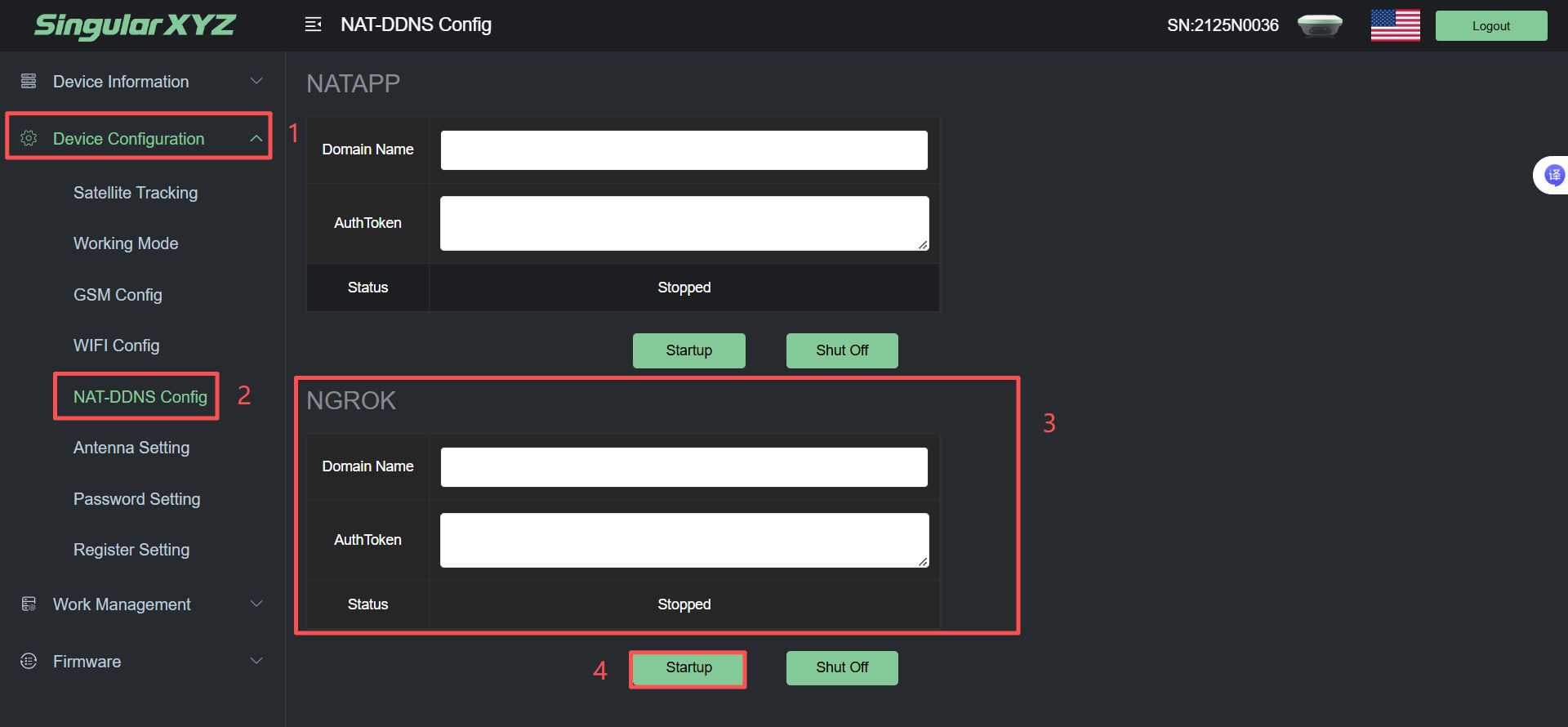
Power on the X1 receiver and access the web interface by connecting to the receiver's Wi-Fi. Go to Device Configuration > NAT-DDNS Config > NGROK, enter the Authtoken and Domain you saved earlier, and click Startup to launch NGROK.
Then, you can access the X1 receiver's web interface using the domain.
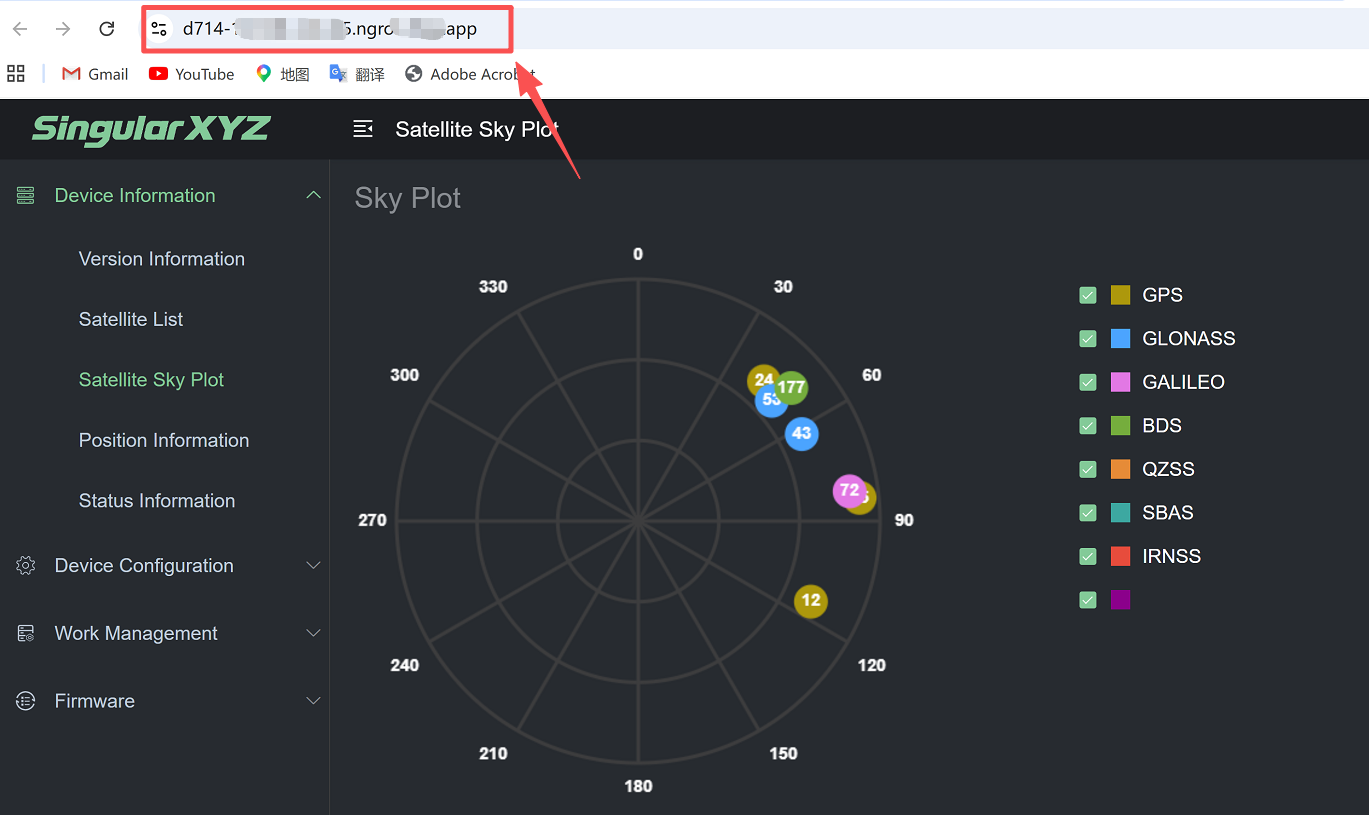
You no longer need to connect to the receiver's Wi-Fi; simply enter the domain name to remotely access the receiver's web interface for tasks such as viewing information, configuring settings, and upgrading firmware.